DHL Freight Shipping Tools and Integrations
Solutions to help streamline shipment management
Here is an overview of various tools and integration methods to manage your DHL Freight shipments.
Solutions help booking, tracking, labeling and document handling processes.
DHL Freight Shipping Tools
Access DHL Freight shipping tools to manage your shipments, calculate transit times, and request quotes.
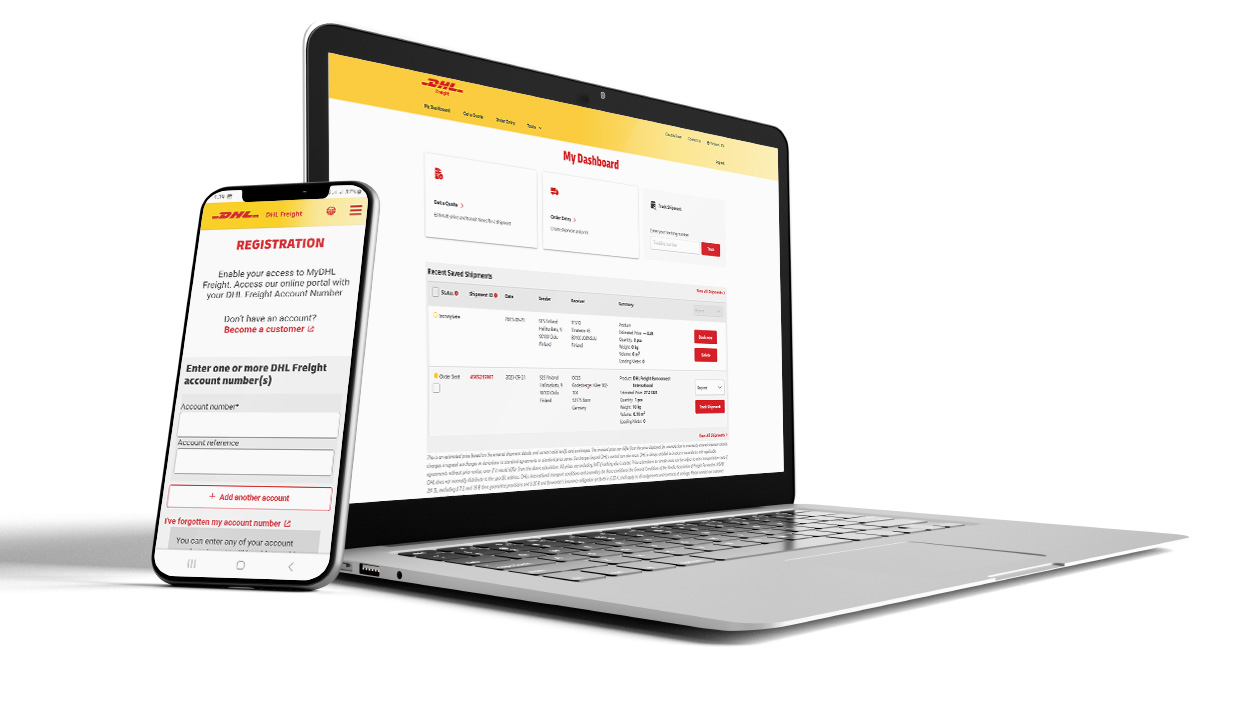
myDHLFreight Portal
Manage your company's shipments in one place - simply, smoothly and with a total overview. You can book transports, calculate shipping costs and track the goods, all in the same seamless and clear view.
Features
Book a pick-up
Book and create a shipping document directly
Calculate the freight cost based on your contract prices
Create templates for your most common transports
Create and upload an address book
Book empty pallets and see pallet balance
Track your shipments and see your shipment history
DHL Freight Book Direct
Book Direct is easy to use via your web browser without logging in. All you need to get started with booking your transports is a DHL Freight customer number.
Without Documents
Products include:
DHL Parti, DHL Stycke, DHL Pall, DHL Home Delivery, DHL Paket, DHL Service Point, DHL Pacel Connect Plus and DHL Parcel Connect
With Documents
Products include:
DHL Parti, DHL Stycke, DHL Pall, DHL Home Delivery, DHL Paket, DHL Service Point, DHL Parcel Connect Plus, DHL Parcel Connect, DHL Home Delivery Return, DHL Service Point Return, DHL Road Freight Standard, DHL Road Freight Priority and DHL Parcel Connect Return

DHL Freight Public Quotation Tool
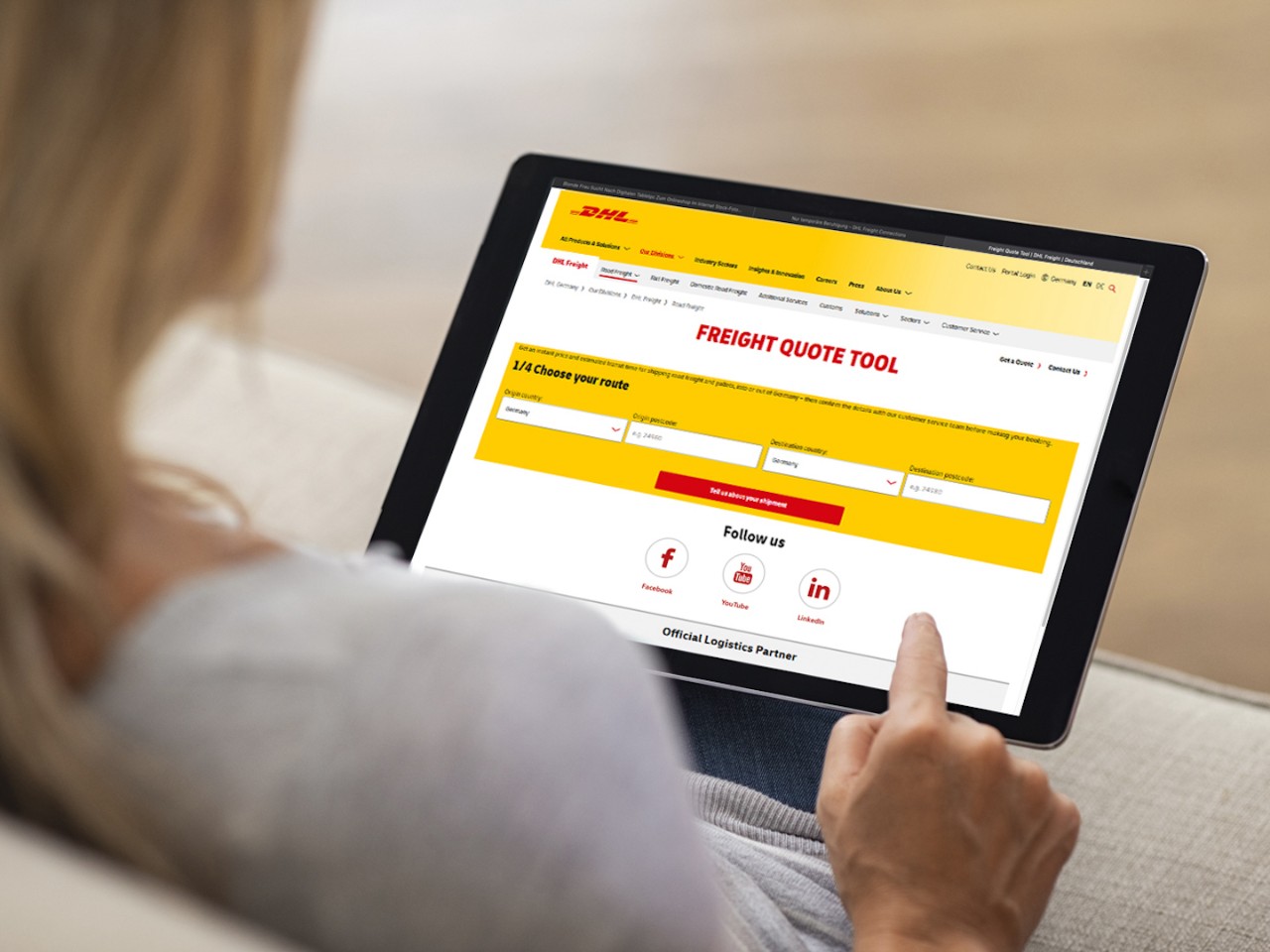
For those without a customer number and customer pricing, the DHL Freight Quotation Tool allows you to get information on the prices and transit times of scheduled road freight shipments in seconds. Completely without obligation, with no long waiting time in hotline queues or time-consuming registration processes. You can simply enter your details and instantly without registering get a quote for your shipment up to 2,500 kilos.
Benefits
- No registration required
- 24/7 access
- Instant price and transit times
- Easy-to-use process – choose route, enter shipment details, view options with price
- All products options comparable at a single view
Road Freight Transit Times Calculator
Get transit times on our international Less than Truck Load (LTL), road freight services for pallets, non-pallets and groupage shipments.
Features
- Choose your country and postcode of origin and destination
- Select a pickup date
- View delivery date options

DHL Active Tracing
Use your reference, shipment number, package ID or DHL order code to get the status of your shipment.
Features
- Full event scanning history, dates and locations from collection to delivery
- Comprehensive shipment information
- Direct shipment web link for you and your customers
External Shipping Tools
External shipping tools are software solutions that help businesses manage and automate their shipping operations by integrating with e-commerce platforms, freight carriers and other systems.
Transport Administrative Systems (TA)
In a TA system, you can easily quote price, create shipments, book transports, print labels and other documents and track shipments. Before choosing a TA system, it is important to ensure that the particular system has support for what is required. Contact each TA provider for more information.
Please notice that DHL is not involved in the setup in these systems.
Listed is a selection of available TA systems
Please notice that there are other TA systems with integration to DHL Freight.

E-commerce platforms
Modern e-commerce platforms offer plugins that improve both your and your customers' experience.
E-commerce Platforms
Many e-commerce platforms offer support for plugins that can be used to customize and extend functionality in both administrative interfaces and the customer experience. These plugins may be built into the platform or available as third-party extensions.
Shipping plugins are one example of such extensions. They can operate as standalone modules or be integrated with existing Transport Administration (TA) systems and/or checkout solutions, depending on the capabilities of the platform and the plugin.
The DHL Freight plugin - DHL eCom Sweden - is supported by the following platforms
- Woo Commerce
- Shopify

Integrations via API & EDI
Here is an overview of our data integration options.
API (Application Programming Interface)
DHL Freight API Farm is a toolbox consisting of a number of REST APIs that give you the opportunity to integrate most systems with DHL Freight. For example, to quote price, search for service points, select product, create shipments, book pickup, print labels and other documents and track shipments.
Listed is a selection of our most common APIs
- Transport Instruction API
- Pickup Request API
- Print API
- Tracking API *

EDI (Electronic Data Interchange)
DHL Freight offers integration via EDI for information flows before, during and after the transport.
Listed is a selection of our most common EDIs
- IFTMBF (pickup request)
- IFTMIN (shipment instruction)
- INVOIC (invoices)

DHL e-ID
DHL e-ID is used to validate DHL Freight accounts and provides you access to your contract prices. Ensures only authorized users can access your account information.
A single e-ID can be used for all your account numbers.
Please use link below to apply for DHL e-ID.
Listed are e-services that requires DHL e-ID (for the moment just one)
- Price quotes for specific account numbers

Products and Labels
Technical description and data sheets of products and additional services.
Specifications for Products and Additional Services
To create shipment information, it is important to understand the characteristics and limitations of each product and additional services.
In addition to general information, we have created a Product manual that compiles these characteristics and limitations from a more technical perspective.
Please note that our APIs can also be used to make selections and validations for our products and additional services.
Listed are some of the information which can be found in the Product manual
- Weight and dimension limitations per product
- Geographical coverage
- Available additional services
- Combination rules for additional services
- Label design and content

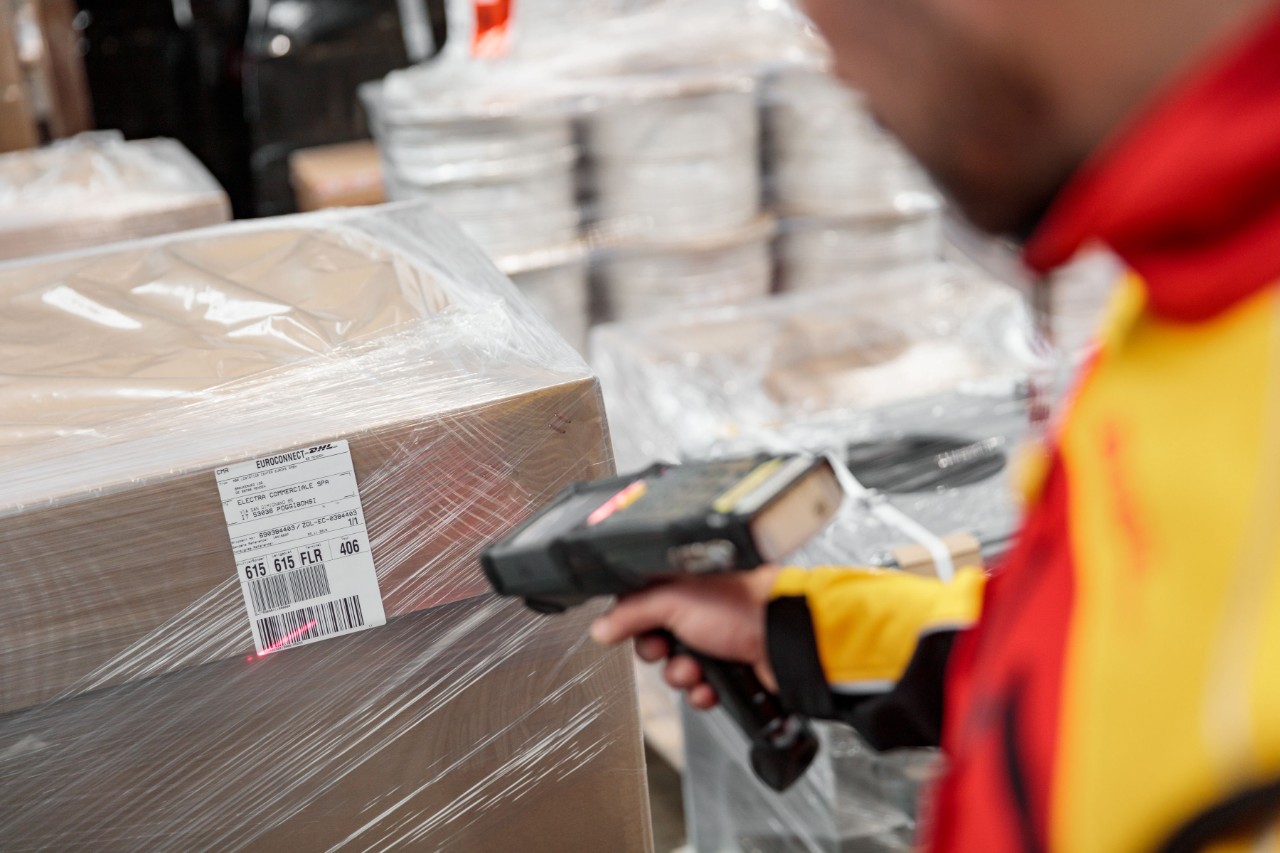
DHL Freight Transport Label
Each shipment unit (parcel, pallet, etc.) transported with DHL Freight must have a label according to specification.
Please refer to the separate section on transport labels in our Product manual.
Note that our Print API can also be used to generate a correct label (as well as other required documents).
The list shows parts of the information that must be included on the label
- Product name
- Sender
- Receiver
- Weight
- Unique piece ID
- Routing code

E-invoicing
E-invoicing
As a business customer of DHL Freight, you can choose to receive your invoices electronically in PDF format (via e-mail) or as e-invoice.
e-invoices can either be sent directly to you (for example in CSV format) or through an e-invoicing provider.
Please use link below to order PDF and/or e-invoice.
Listed are some of the available e-invoicing providers
- PEPPOL
- Basware
- Crediflow
- InExchange
- Opus Capita
- Pagero
- Scancloud
- Tieto
- Visma Proceedo
- Visma Administration/eEkonomi/Compact