

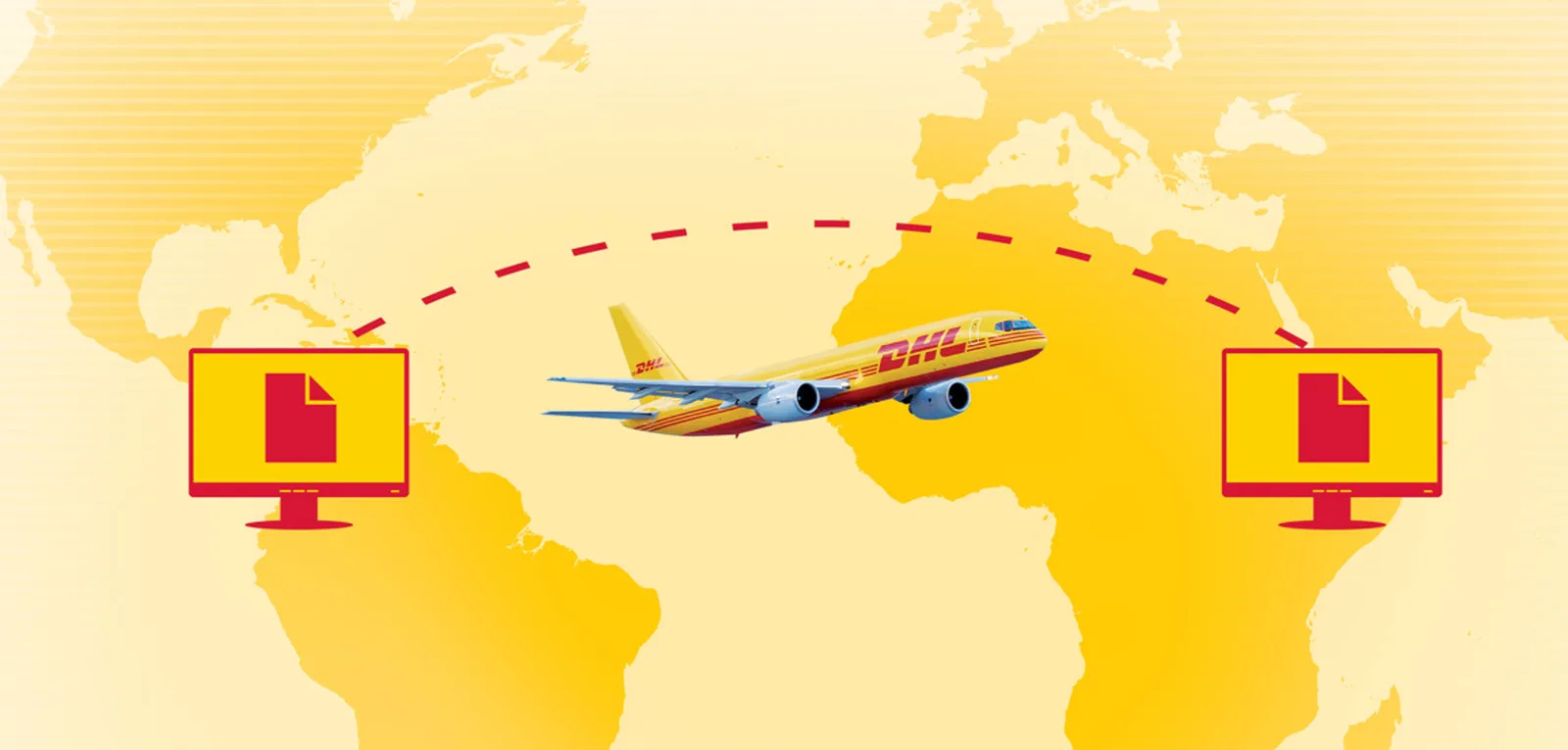
Booking a DHL scheduled pickup by courier couldn’t be easier. This guide will talk through the steps to ensure you have the smoothest door-to-door service possible.
Shipping internationally from Latin America's largest digital economy offers incredible growth potential, but maximizing your dispatch efficiency requires structural precision. For Brazilian e-commerce sellers and small businesses running platforms like VTEX, Loja Integrada, or Nuvemshop, local courier bottlenecks can immediately ripple through your global supply chain.
To ensure a smooth door-to-door service and maintain customer trust in major export destinations like the United States or Europe, your team must master localized dispatch schedules and tax variables.
In this guide, we’ll walk you through the precise steps to schedule your outbound package pickups, calculate accurate transit times, and avoid common operational delays at your warehouse.
How to Schedule a Pickup for International Shipping in Brazil
To schedule an international shipping courier pickup from your Brazilian business location, you must first establish an active MyDHL+ account dashboard.
MyDHL+ operates as DHL Express’ central digital shipping ecosystem, designed to automate cross-border logistics for growing enterprises. The cloud platform consolidates your entire outbound workflow—allowing your team to generate compliant transport labels, transmit electronic commercial invoices to customs, book physical courier collections, and monitor transit milestones in real time.
Once your corporate profile is configured, log into the dashboard, select the “Schedule a Pickup” module, and complete the digital routing prompts. To prevent failed collection attempts or manual processing adjustments by the carrier, ensure your dispatch team has these six exact data points ready before confirming the request:
Your 9-digit DHL Express account number
The complete pickup address (including specific corporate details, tower numbers, or neighborhood indicators like Bairro)
Internal building location instructions (e.g., "Ground floor loading dock" or "Main reception desk")
Total physical package count and verified dimensions
Exact gross weight of the total consignment
The local contact's direct telephone number and email address
After reviewing your information and choosing your preferred collection time window, submit the request online. The system will immediately issue a formal confirmation email containing your pickup booking reference number, which locks the collection slot into the local urban courier route.
How to Get an accurate Rate Quote and Estimated Delivery Time
Before dispatching any commercial inventory from Brazil, calculating precise export expenses and final delivery dates is essential for protecting your profit margins. By utilizing the “Get a Rate and Time Quote” utility inside your shipping dashboard, you can evaluate different transport routes in seconds.
MYDHL+ RATE QUOTE AND TRANSIT TIME CALCULATOR REQUISITES
Complete Origin Postal Code and Destination Country Address
Physical Weight (KG) and Exact Package Dimensions (L x W x H in cm)
Detailed Commodity Type (Formal Document vs. Commercial Goods)
Declared Customs Value (FOB/FCA Value in USD, EUR, or BRL)
Once this data is captured, the digital system automatically checks regional airline capacities and destination customs rules to produce live, competitive service choices. Your business can compare premium express air options against economy alternatives, balancing cost against delivery speed to match your global customer expectations.
This transparent pricing structure allows your store to display clear, upfront transit times during user checkout, eliminating unexpected delivery friction.
Understanding Volumetric Weight and Brazilian Tax Variables
One critical factor that directly influences your final international shipping invoice—especially when sending lightweight or bulky items—is volumetric weight. Volumetric (or dimensional) weight is an international transport standard that calculates space consumption rather than simple physical scale, ensuring fair utilization of aircraft cargo hold capacity.
To find this value, use the standard international metric formula:
Understanding Volumetric Weight
One important factor that can influence your shipping rate – especially for larger packages – is volumetric weight.
Volumetric (or dimensional) weight is a way of calculating the shipping cost based on the size of the package, rather than its physical weight. This is especially relevant for lightweight but bulky items, like pillows or large boxes filled with light goods.
Here’s how DHL calculates volumetric weight:
Centimeter / KG = (Length × Width × Height) ÷ 5000
Inches / Pounds = (Length × Width × Height) ÷ 139
If this calculated dimensional figure exceeds the physical reading on your warehouse scale, the shipping system automatically bills your account based on the higher volumetric value.
Brazil Regulatory Note: When budgeting your total landed cost, remember that outbound cross-border air freight services originating from Brazil are subject to national tax variables.
Depending on your corporate tax registration state and the specific Incoterms selected, local transport taxes like ICMS (State Goods and Services Tax) can alter your total billing, making precise dimensional entries vital for your corporate accounting.
What to Check Before the Courier Arrives at Your Warehouse
To maximize your warehouse throughput and ensure your package moves seamlessly into the international transport network, complete these four mandatory preparation tasks before the driver arrives at your facility:
Securely seal and label the exterior boxes: Use reinforced packing tape and ensure your transport labels are applied completely flat onto a visible surface. Never place barcodes over box seams, folds, or packing tape, as small wrinkles can prevent automated laser scanners from indexing the cargo.
Print and sign the Air Waybill (AWB): The waybill acts as the legal contract of carriage between your business and the international network. Securely place this paper document inside a clear plastic pouch on the exterior of the lead box.
Attach required export forms and customs invoices: Ensure your international commercial invoice displays your corporate tax identification number (CNPJ), accurate NCM tax classification codes, and clear country-of-origin details.
Maintain operational readiness at the collection point: Ensure your designated company contact is present with the fully prepared cargo during your entire scheduled time window. If your warehouse is located inside a restricted industrial park or high-security building, pre-authorize carrier entry with your facility's security team to prevent courier delays.
Common Pickup Issues and How to Avoid Them
You want your pickup to progress without any delays, so be aware of these common issues when scheduling pickups:
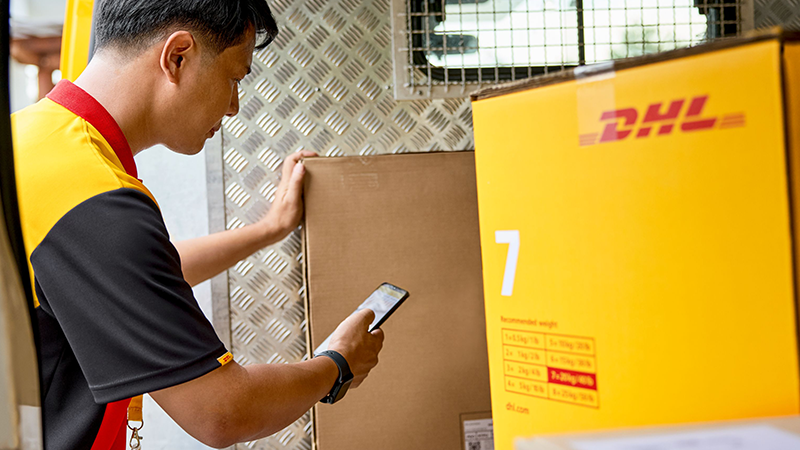
Missed pickups
Often caused by incorrect time windows or no one being available at the pickup location. To avoid this, double-check the pickup date, time frame, and ensure someone is ready to hand over the shipment.
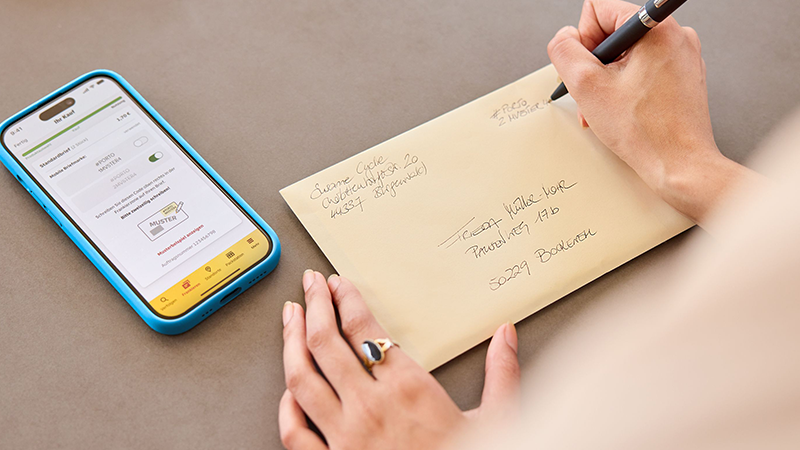
Incorrect or incomplete address details
Small errors like typos or missing door numbers can confuse the courier and delay pickup. Always verify your address and provide specific location details (e.g., “Reception, 2nd floor”) before submitting.

Packages not ready when the courier arrives
Delays happen if shipments aren’t sealed, labeled, or prepared on time. Make sure your packages are fully packed and labeled before the scheduled pickup.

Missing or incorrect paperwork
International shipments need completed customs documents and waybills. To avoid delays or failed pickups, print and attach all necessary paperwork ahead of time.

Lack of contact information
If couriers can’t reach someone onsite, pickups can be missed. Provide accurate phone numbers and emails, and consider adding a backup contact.
Modifying Scheduled Bookings and Monitoring Your Outbound Journey
If your daily warehouse production schedule changes unexpectedly, modifying or cancelling an active courier pickup is direct and low-friction. Log into your digital account platform, navigate to the "Manage Shipments" panel, select the specific pickup request, and choose to adjust the date or cancel the order entirely.
Complete these digital updates as early as possible to prevent empty carrier routing or unnecessary administrative fees.
Once your packages are safely loaded onto the vehicle, your team can monitor the cross-border journey in real time. The tracking software displays immediate operational updates as your cargo processes through regional sorting facilities, passes Receita Federal export customs, loads onto international air fleets, and completes final-mile delivery in your target market.
For maximum visibility, enable automatic email or SMS event notifications within your profile settings to keep your internal sales team and your global buyers updated simultaneously.
Fulfillment agility is a cornerstone of international expansion for growing e-commerce storefronts. To unlock preferential corporate rates and gain comprehensive support from cross-border trade specialists, open a DHL Express Business Account.


 Share
Share