


Booking a DHL scheduled pickup by courier is very simple. This guide will walk you through the steps to ensure you have the smoothest door-to-door service possible.
What you need to Schedule a Pickup
To schedule a pickup, you’ll firstly need a MyDHL+ account.
If you’re not familiar with it yet, MyDHL+ is DHL Express’ all-in-one digital shipping platform. It simplifies international and domestic shipping with intuitive tools for creating labels, managing customs paperwork, booking pickups, tracking shipments, and more – all in one place. It’s designed to streamline your logistics and save you time – whether you’re sending one parcel or hundreds a week.
Once your account is set up, scheduling a pickup is straightforward. Just log in, choose the “Schedule a Pickup” option, and follow the on-screen steps.
Before you get started, make sure you have the following details ready to ensure a smooth process:
- Your DHL account number
- Pickup address – where the courier will collect your shipment
- Package location information – e.g. reception desk
- Total number of packages
- Weight of the shipment
- Contact’s phone number and email address
- Preferred pickup date and time frame
Review the information and confirm the request. You’ll then receive a confirmation email with all the details.
How to Get a Rate Quote and Estimated Delivery Time
Before you ship anything especially internationally, it’s smart to check how much it’ll cost and how long it’ll take to arrive. With MyDHL+, you can do both in just a few clicks.
Start by selecting the “Get a Rate and Time Quote” option on the website. This tool gives you a quick estimate based on your shipment details, so you’ll have no surprises later on.
Here’s what you’ll need to include:
- Origin and destination addresses
- Shipment date
- Package weight and dimensions
- Number of packages
- Type of contents (documents or goods)
Once entered, MyDHL+ will generate an estimated shipping rate and delivery date based on the service options available. You’ll be able to compare express and economy choices, factoring in cost, speed, and tracking features – so you can choose what works best for your business as well as your customers.
It’s fast and reliable which is exactly what you need when you’re planning your shipments around customer expectations or tight delivery windows.
Understanding Volumetric Weight
One important factor that can influence your shipping rate especially for larger packages, which is volumetric weight.
Volumetric (or dimensional) weight is a way of calculating the shipping cost based on the size of the package, rather than its physical weight. This is especially relevant for lightweight but bulky items, like pillows or large boxes filled with light goods.
Here’s how DHL calculates volumetric weight:
Centimeter / KG = (Length × Width × Height) ÷ 5000
Inches / Pounds = (Length × Width × Height) ÷ 139
Important note: if your package’s volumetric weight is greater than its actual weight, the higher value is used to determine the shipping rate. This ensures fair use of space on the aircraft or delivery vehicle.
Before the Courier Arrives
To make the pickup process as smooth as possible, make sure everything is ready to go before your courier arrives. Here’s what to check off:
- Ensure your package is properly sealed and clearly labeled: Labels should be visible and properly attached to avoid delays or misrouting.
- Include the completed Air Waybill: This is the shipment’s key travel document. It tells DHL where your package is going and what service you've selected.
- Attach any required customs documents for international shipments: Missing paperwork can cause delays at the border. So make sure your commercial invoice and any other required forms are filled out and attached.
- Be ready at the scheduled pickup time: Ensure that someone is available to hand the shipment over. If the package is at a specific location like a reception desk, make sure that’s clear on your pickup booking.
Common Pickup Issues & How to Avoid Them
If you want your pickup to progress without any delays, make sure that you avoid these common issues when scheduling pickups:
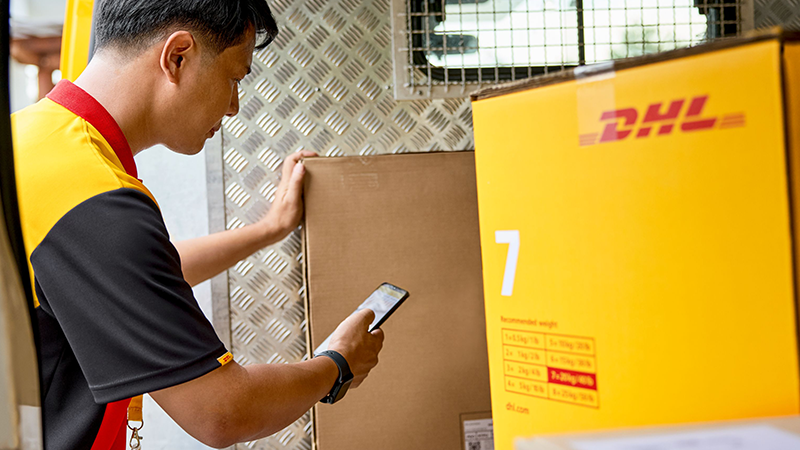
Missed pickups
Often caused by the unavailability of someone at the pickup location or choosing incorrect time windows. To avoid this, double-check the pickup date, time frame, and ensure someone is ready to hand over the shipment.
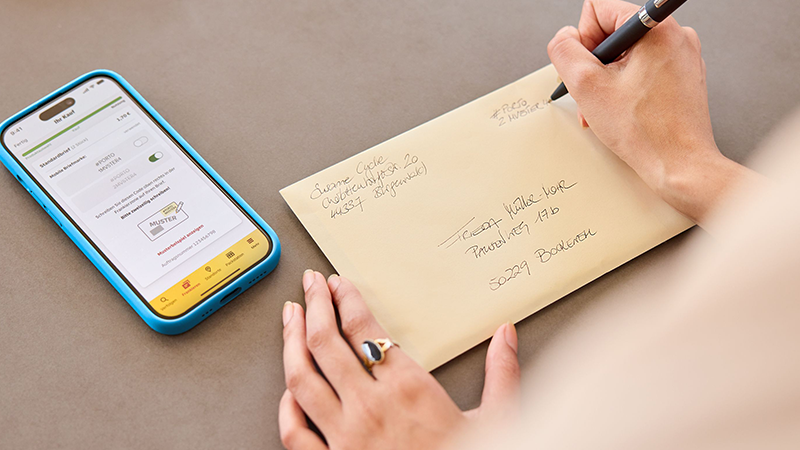
Incorrect or incomplete address details
Some of the common errors like typos or missing door numbers can confuse the courier and delay pickup. Always verify your address and provide specific location details (e.g., “Reception, 2nd floor”) before submitting.

Unprepared Packages
Delays can also happen if shipments aren’t sealed, labeled, or prepared on time. Make sure your packages are fully packed and labeled before the scheduled pickup.
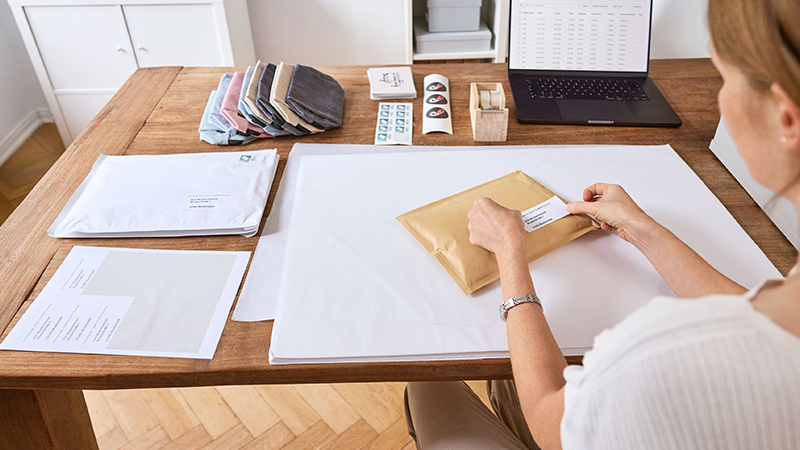
Missing or incorrect paperwork
International shipments must have completed customs documents and waybills. To avoid delays or failed pickups, print and attach all necessary paperwork ahead of time.
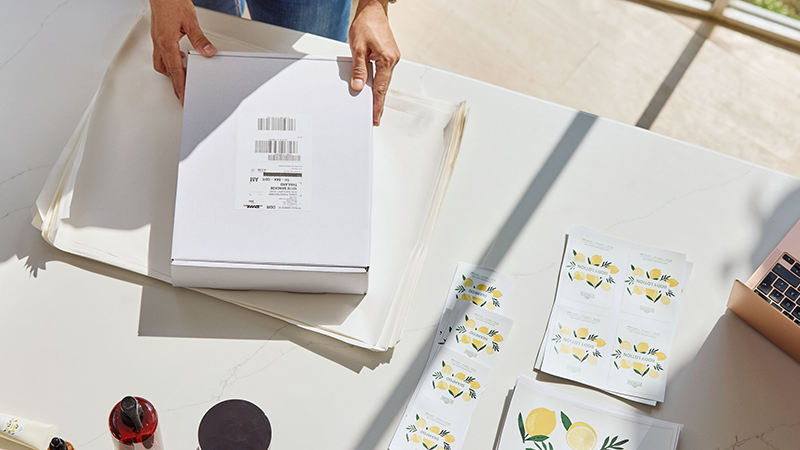
Lack of contact information
If couriers can’t reach someone onsite, pickups can be missed. Always ensure to provide accurate phone numbers and emails, and consider adding a backup contact just in case.
Cancelling or Rescheduling Pickups
If you need to cancel or reschedule a pickup with DHL, the process is simple and hassle-free. Just log into your MyDHL+ account and navigate to your scheduled pickups. From there, you can select the pickup you want to change and choose to either cancel or reschedule it.
Make sure to do this as early as possible to avoid any unnecessary fees or missed pickups. Rescheduling lets you pick a new date and time that better fits your availability, while cancelling lets you free up your account for future shipments.
If you run into any issues or prefer personal assistance, DHL’s customer service team is always ready to help.
Track Your Shipment
Once your shipment is on its way, you can track its progress in real time using MyDHL+ or the tracking link provided in your confirmation email.
MyDHL+ gives you a complete view of your shipment’s journey from pickup to final delivery, so you’re always updated. You’ll see key milestones like when your package leaves the origin facility, clears customs, and reaches the delivery destination.
You can also enable delivery notifications via email or SMS to keep yourself (and your customer) updated every step of the way.
There are many DHL Services designed to simplify the different shipping needs for SMEs and e-commerce businesses, and scheduling a pickup is just one of them. To enjoy the full benefits, open a DHL Express Business Account.


 Share
Share