


Booking a DHL courier pickup is quick and hassle-free. This guide walks you through each step so you can enjoy a smooth, reliable door-to-door shipping experience.
How to Schedule a Pickup
First things first: to schedule a pickup, you’ll need a MyDHL+ account.
If you haven’t used it yet, MyDHL+ is DHL Express’s all-in-one shipping platform that makes sending parcels a whole lot easier. From creating labels and handling customs paperwork to booking pickups and tracking shipments, everything is in one place. Whether you’re shipping one package or managing dozens every week, it’s designed to save you time and keep things running smoothly.
Once your account is set up, booking a pickup is super simple. Just log in, click on “Schedule a Pickup,” and follow the steps on screen.
Before you start, it’s a good idea to have a few details handy to keep things quick and stress-free:
- Your DHL account number
- Pickup address (where the courier will collect your shipment)
- Package location details (like reception or front desk)
- Total number of packages
- Shipment weight
- Contact phone number and email
- Preferred pickup date and time
Give everything a quick check, confirm your request, and you’re all set. You’ll receive a confirmation email with all the details, easy as that.
How to Get a Rate Quote and Estimated Delivery Time
Before shipping anything – especially internationally – it’s smart to check how much it’ll cost and how long it’ll take to arrive. With MyDHL+, you can do both in just a few clicks.
Start by selecting the “Get a Rate and Time Quote” option on the platform. This tool gives you a quick estimate based on your shipment details, so you’ll have no nasty surprises later on.
Here’s what you’ll need to input:
- Origin and destination addresses
- Shipment date
- Package weight and dimensions
- Number of packages
- Type of contents (documents or goods)
Once entered, MyDHL+ will generate an estimated shipping rate and delivery date based on the service options available. You’ll be able to compare express and economy choices, factoring in cost, speed, and tracking features – so you can choose what works best for your business (and your customers!)
It’s fast and reliable – exactly what you need when you’re planning your shipments around customer expectations or tight delivery windows.
Understanding Volumetric Weight
One important factor that can influence your shipping rate – especially for larger packages – is volumetric weight.
Volumetric (or dimensional) weight is a way of calculating the shipping cost based on the size of the package, rather than its physical weight. This is especially relevant for lightweight but bulky items, like pillows or large boxes filled with light goods.
Here’s how DHL calculates volumetric weight:
Centimeter / KG = (Length × Width × Height) ÷ 5000
Inches / Pounds = (Length × Width × Height) ÷ 139
If your package’s volumetric weight is greater than its actual weight, the higher value is used to determine the shipping rate. This ensures fair use of space on the aircraft or delivery vehicle.
Before the Courier Arrives
To make the pickup process as smooth as possible, make sure everything is ready to go before your courier arrives. Here’s what to check off:
- Ensure your package is properly sealed and clearly labeled
Labels should be visible and securely attached to avoid delays or misrouting.
- Include the completed Air Waybill
This is the shipment’s key travel document – it tells DHL where your package is going and what service you've selected.
- Attach any required customs documents for international shipments
Missing paperwork can cause delays at the border, so make sure your commercial invoice and any other required forms are filled out and attached.
- Be ready at the scheduled pickup time
Have someone available to hand the shipment over. If the package is at a specific location (like a warehouse or reception desk), make sure that’s clear on your pickup booking.
Common Pickup Issues and How to Avoid Them
You want your pickup to progress without any delays, so be aware of these common issues when scheduling pickups:
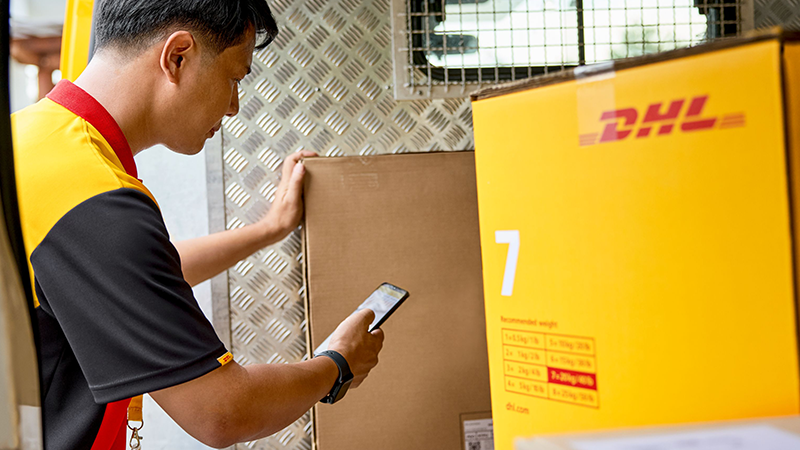
Missed pickups
Often caused by incorrect time windows or no one being available at the pickup location. To avoid this, double-check the pickup date, time frame, and ensure someone is ready to hand over the shipment.
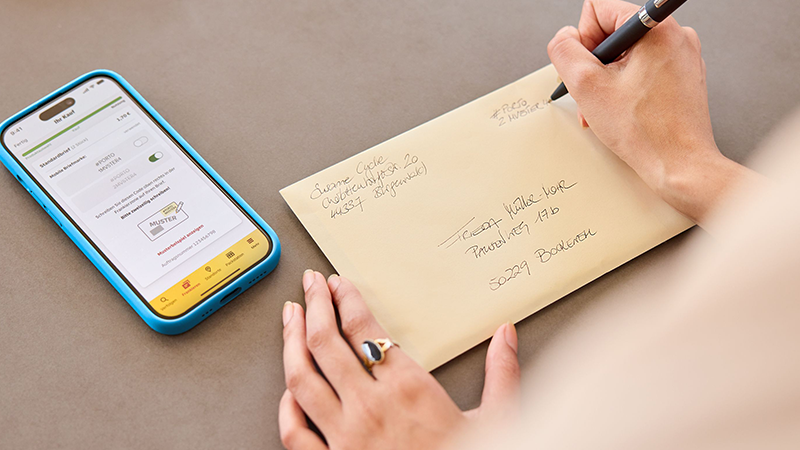
Incorrect or incomplete address details
Small errors like typos or missing door numbers can confuse the courier and delay pickup. Always verify your address and provide specific location details (e.g., “Reception, 2nd floor”) before submitting.

Packages not ready when the courier arrives
Delays happen if shipments aren’t sealed, labeled, or prepared on time. Make sure your packages are fully packed and labeled before the scheduled pickup.
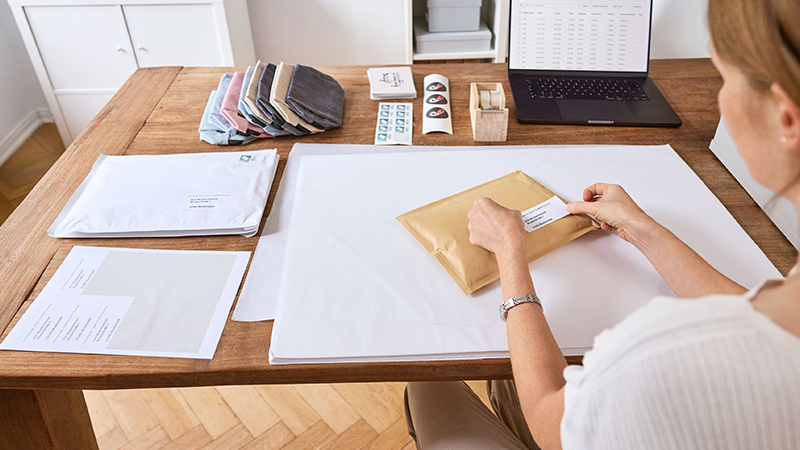
Missing or incorrect paperwork
International shipments need completed customs documents and waybills. To avoid delays or failed pickups, print and attach all necessary paperwork ahead of time.
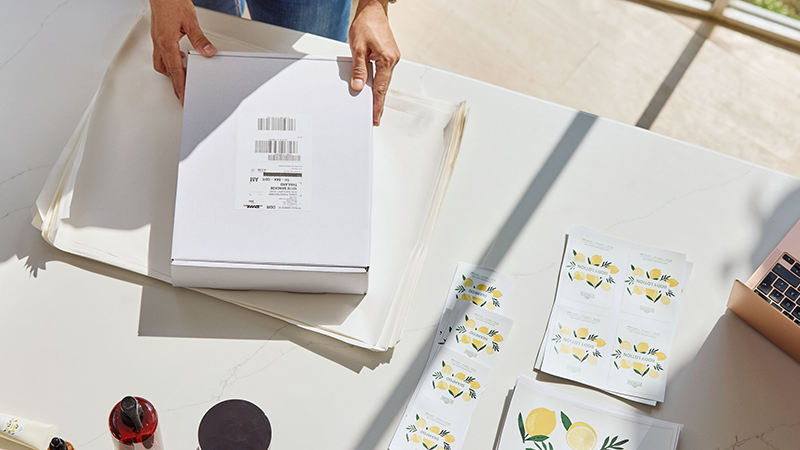
Lack of contact information
If couriers can’t reach someone onsite, pickups can be missed. Provide accurate phone numbers and emails, and consider adding a backup contact.
Cancelling or Rescheduling Pickups
Need to cancel or reschedule a DHL pickup? No problem, it’s quick and easy. Just log into your MyDHL+ account, head over to your scheduled pickups, and select the one you want to change. From there, you can cancel it or pick a new time that works better for you.
It’s a good idea to make changes as early as possible to avoid extra fees or missed pickups. Rescheduling gives you flexibility, while cancelling keeps things clear for your next shipment.
And if you’d rather have a helping hand, DHL’s customer support team is always there to sort things out with you.
Track Your Shipment After Pickup
Once your shipment is on its way, you can track its progress in real time using MyDHL+ or the tracking link provided in your confirmation email.
MyDHL+ gives you a full view of your shipment’s journey – from pickup to final delivery –so you’re always in the loop. You’ll see key milestones like when your package leaves the origin facility, clears customs, and reaches the delivery destination.
You can also enable delivery notifications via email or SMS to keep yourself (and your customer) updated every step of the way.
Scheduling a pickup is just one of the many DHL services designed to simplify daily shipping for SMEs and e-commerce businesses. To enjoy the full benefits, open a DHL Express Business Account.


 Share
Share