Every DHL Express delivery estimate comes with one important qualification: transit times do not include customs clearance. Although no shipping quote can guarantee how long clearance will take, you can help prevent avoidable delays by submitting complete, accurate shipment information.
For shipments leaving Nigeria, that process starts in MyDHL+, DHL Express’s online shipping platform. From one place, you can create a shipment, complete the customs invoice, print the waybill and arrange a courier pickup or Service Point drop-off.
Whether you are sending a one-off parcel or shipping regularly for your business, this guide explains how to use MyDHL+ from Nigeria.
Choose how you want to use MyDHL+
You can start shipping with MyDHL+ as a guest or by signing in with a DHL account. Each option suits a different type of shipper.
Ship as a guest
Guest shipping is useful when you are sending an occasional parcel. You can enter the shipment details, choose a payment method, print the required documents and arrange delivery without creating an account.
For a single shipment, this may be all you need.
Sign in with a DHL login
If you ship regularly, creating a MyDHL+ login can save time and reduce the risk of errors. Your address book, shipment preferences and previous shipments are stored for future use. You can also create a new shipment from a previous or favourite shipment instead of entering the same information from scratch.
That is particularly helpful when you regularly ship to the same customers or send the same products. Reusing accurate information also reduces the likelihood of mistakes in addresses, product descriptions and customs data.
Open a DHL Express business account
A DHL Express business account adds more features to your MyDHL+ experience. Depending on your account arrangement, you can access your negotiated rates and optional services while creating a shipment. You can pay by card or apply for credit and receive one consolidated invoice for your shipments.
Create your shipment in MyDHL+
MyDHL+ guides you through the shipment process in a set order. You will enter:
The shipment’s origin and destination
Whether you are sending documents or goods
Packaging details
Weight and dimensions
Your preferred delivery service
Optional services
Pickup or drop-off information
Payment details
The process is straightforward, but the information you provide for goods shipments is especially important because it supports customs clearance.

Complete the customs invoice carefully
For shipments containing goods, MyDHL+ uses the information you enter to prepare the customs decFor shipments containing goods, MyDHL+ uses the information you enter to prepare the customs declaration and commercial invoice.
You will generally need to provide details about the seller and buyer, the goods, their value and currency, country of origin, tariff code, quantity and weight.
Product descriptions should be specific enough for customs authorities to understand what the goods are, what they are made of and how they will be used.
For example:
“Women’s T-shirts made of 50% cotton and 50% polyester” is a clear description.
“Spare Parts” is too vague.
Avoid generic descriptions such as “samples”, “accessories” or “merchandise” unless they are supported by more precise information. Incomplete or unclear descriptions can lead to questions, additional checks and delays.
Logged-in shippers can make this process easier by saving product lists, invoice templates and tax identification numbers. This helps ensure that the same products are described consistently on future shipments.
Submitting shipment information electronically also allows DHL Express to begin preparing for customs clearance earlier. Make sure the value, currency and delivery terms on the invoice match the agreement you have made with the buyer. The selected Incoterms® rule determines which party is responsible for costs and responsibilities during the shipment.
Print the waybill and prepare the parcel
After your payment is completed, MyDHL+ generates the waybill and, for goods shipments, the customs invoice.
The waybill is an essential shipping document. It serves as the contract of carriage between you and DHL Express, provides a receipt for the shipment and contains the number used to track it.
If a courier is collecting your parcel, print the waybill and any customs documents before the scheduled pickup.
The parcel itself also needs to be prepared properly. Display the labels clearly on the outside of the package and place a spare copy inside whenever possible. Pack each item securely, position the contents in the centre of the box and fill any empty space to prevent movement. Seal every opening firmly.
Don’t have access to a printer? You still have options. At a DHL Express Service Point, you may be able to have the label printed on site or present a QR code instead of bringing a printed label. Check the available option when you create your shipment.
Arrange a pickup or drop off your shipment
Once your shipment is complete, choose how you want to hand it over to DHL Express.
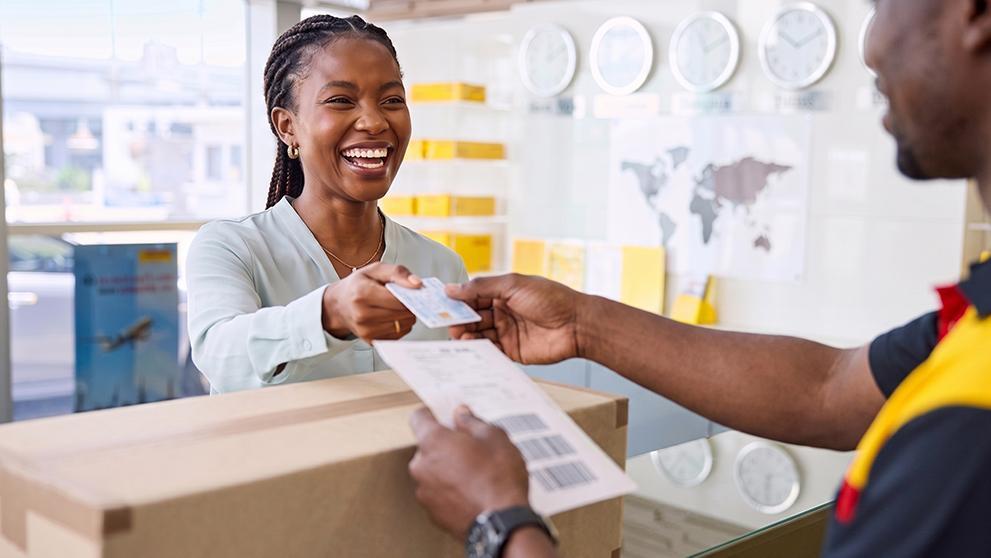
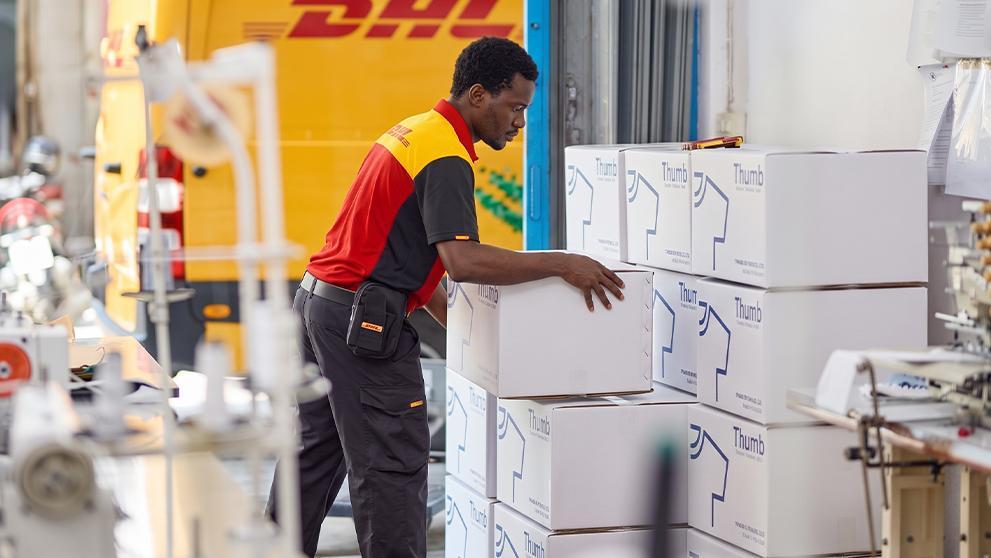
You can schedule a courier pickup through MyDHL+ or take the parcel to a DHL Express Service Point. When arranging a pickup, select a time and location where someone will be available to hand the shipment directly to the courier.
DHL Express does not collect parcels left in an unattended “safe place”. If the shipment is at an office, someone at reception or another authorised representative must be available to give it to the courier.
For regular shippers, MyDHL+ makes repeat collections easier. The My Pickups section keeps track of scheduled pickups, while saved pickup preferences can store your usual collection details. Businesses can also set up authorised pickup locations for different offices, warehouses or shipping addresses.
After your parcel has been collected, use the waybill number to track your shipment.
Ship regularly? Consider a DHL Express business account
A guest shipment is a convenient way to send one parcel. Businesses shipping every week may benefit from having their addresses, products, invoices and pickup details available in one place.
A DHL Express business account connects those tools with account-specific rates and billing options in MyDHL+. Businesses that pay by card can open an account online and begin shipping immediately, with volume-based discounts that can increase as shipment activity grows. Businesses that prefer to be invoiced can apply for a credit account, with discounts based on their shipping profile and shipments consolidated on one invoice.
With MyDHL+ and a DHL Express business account, you can manage shipments from Nigeria more efficiently, from creating the waybill to arranging pickup and following the parcel through delivery.
Frequently Asked Questions
Yes. DHL Express import account holders can use MyDHL+ to send shipment instructions directly to trusted suppliers abroad. They can also explain the steps suppliers need to follow to prepare the shipment and arrange a courier pickup from the country of origin. Our guide on reliable import delivery in Nigeria explains how the process works.
You can track your shipment using the 10-digit waybill number printed on the shipping label. Enter this number into DHL Express tracking to view the latest shipment updates and follow your delivery’s progress.
The right approach depends on factors such as order size, profit margins and how frequently your customers place orders. Some businesses use a flat shipping fee, while others calculate charges based on the order or delivery requirements. Comparing flat-rate shipping and standard shipping can help you decide which model best suits your online store.


 Share
Share

Similar Stories