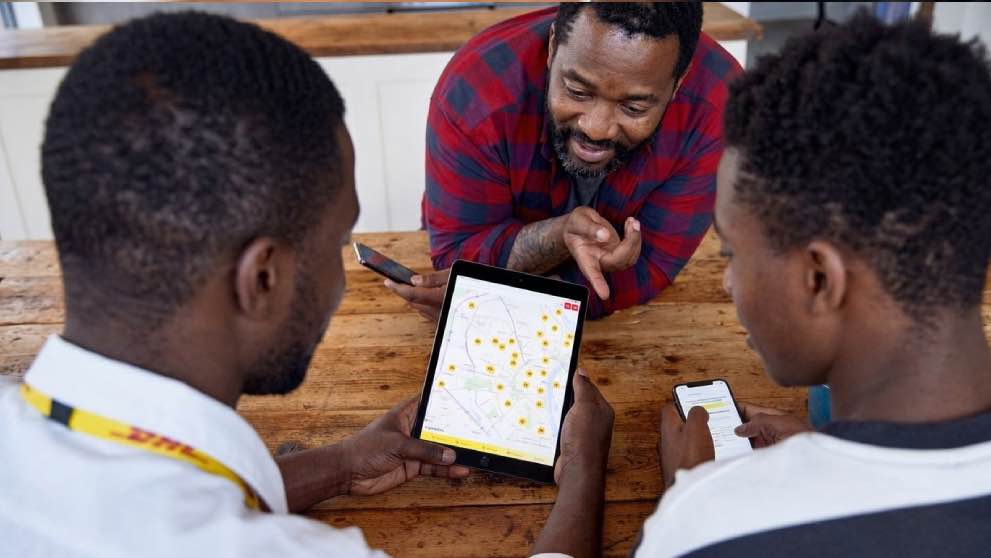
Your DHL tracking page does more than show where a shipment is. It can tell you when customs clearance has started, whether duties and taxes need to be paid, or if DHL needs more information before delivery can continue.
For recipients and importers in Nigeria, those details matter. A quick check could help you resolve a delay before it holds up your shipment. Here’s how to read your tracking updates, recognise when you need to act and manage your delivery if plans change.
How to track a DHL Express shipment in Nigeria
Every DHL Express shipment has a 10-digit waybill number printed beside the barcode on its shipping label. That’s also its tracking number. Enter it on the DHL Nigeria tracking page to see the latest updates. No account or password needed. To check multiple shipments, separate the numbers with commas or spaces. If you’re receiving a shipment, ask the sender for the waybill number. You may also find it in your shipping confirmation or order email.
Just received a number that isn’t showing any updates yet? Give it a little time. Tracking information usually appears within 24 to 48 hours of the number being created, once the shipment reaches a DHL facility.
When an update does appear, select “Further details” beneath it. The status gives you the short version; the details may explain what customs or a DHL courier needs from you. And if the location shown isn’t your delivery city, don’t worry. It may be the DHL service centre handling that stage of the journey. Large freight shipments, such as pallets and containers, are handled by DHL Global Forwarding. They use different reference numbers, which account holders can track through the myDHLi portal.
What common DHL tracking statuses mean
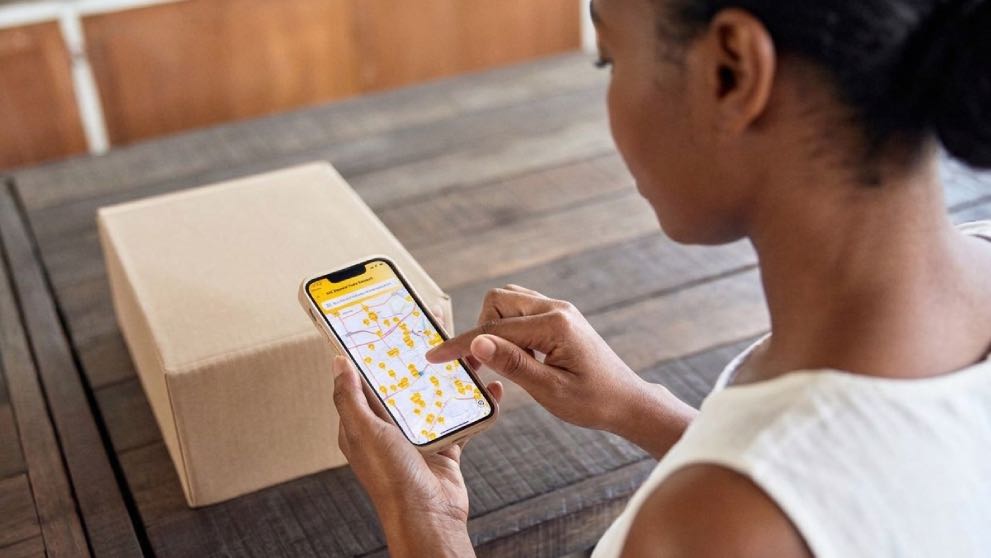
Most tracking updates simply show that your shipment is moving. Others tell you it’s time to get ready or take action. Wording can vary slightly by country, but these are the statuses you’re most likely to see.
Your shipment is progressing
“Arrived at sort facility” and “Departed facility” mean your shipment is moving through the DHL network. It’s normal to see these updates more than once. “Clearance processing complete” means customs clearance has finished.
It’s time to prepare
“Shipment picked up” means a DHL courier has collected the shipment. The sender should share the waybill number and invoice with the recipient, who can then prepare any documents needed for customs.
“Customs status updated” means customs in the destination country has begun reviewing the shipment, sometimes before it arrives. Check “Further details” to see whether any information is needed.
“Shipment is out with courier for delivery” means it’s on its way to the delivery address. Make sure someone can receive it, or check whether you can change the delivery arrangements.
Your shipment may need attention
“Further consignee information needed” means DHL needs details from the recipient, also known as the consignee. “On hold awaiting payment of shipment-related fees” means duties, taxes or other charges remain unpaid. Use only an official DHL payment request.
“Shipment is on hold” means the shipment has paused at a checkpoint. “Returned to shipper” means it’s being sent back to the sender, which can happen after a customs issue, a refused delivery or unpaid fees.
If you see any of these updates, read the further details and contact DHL if the next step isn’t clear. You can also sign up for On Demand Delivery alerts, so you don’t have to keep refreshing the tracking page. Depending on availability, notifications can arrive by email, SMS, app notification or WhatsApp.
What to do if your shipment is held in customs
Customs authorities check goods entering Nigeria and assess any import duties and taxes. A shipment may be held because information is missing or incorrect, a payment is outstanding, or the goods need a security check or physical inspection. DHL’s customs clearance guidance explains more about the process.
The recipient often sees the delay first, but the sender may have the documents needed to resolve it, particularly the commercial invoice, the description of the goods and their declared value. DHL’s customs clearance teams can help identify what’s missing and tell the sender how to submit the required documents. If duties or taxes are due, DHL may send a payment request by email or SMS.
If your customs status hasn’t changed, start with the latest tracking update:
Select “Further details” and check exactly what’s being requested.
If a document is needed, tell the sender as soon as possible so they can follow the upload instructions.
If payment is due, use only an official DHL request. Check the payment instructions carefully, including any one-time password (OTP) verification.
If the update asks you to contact DHL, get in touch. The issue may be as simple as an incomplete address or a missing detail.
The easiest customs delay to solve is the one you prevent. Before shipping, make sure the commercial invoice accurately describes the goods and states their correct value. Broad descriptions such as “samples” or “spare parts” may not give customs enough information to clear a shipment promptly. DHL's shipment preparation guide can help you get the details and documents ready before dispatch.

Change your delivery with On Demand Delivery
A shipment can clear customs on time and still miss its recipient. Perhaps the office is closed, nobody is available to sign, or the address needs updating.
On Demand Delivery is a free service that gives recipients more control. Open the link in your DHL notification or enter the 10-digit waybill number on the On Demand Delivery website. Depending on the shipment and your location, you may be able to choose another delivery date, use a different address, arrange collection from a DHL Express Service Point or Locker, or place the shipment on hold while you’re away. Other available options may include delivery to a neighbour, concierge or security guard, or delivery without a signature.
If you receive shipments regularly, a free On Demand Delivery account lets you save your preferences rather than setting them again each time.
Keep business shipments in one place
Tracking a single parcel is straightforward. When you’re importing or exporting regularly, keeping up with multiple waybills, customs requests and duty payments takes more work.
A DHL Express business account can make that easier. You can search for shipments using your own reference, such as an order or invoice number, along with your account number and a date range. Depending on your arrangement, you may also have access to customs support, preferential rates and consolidated duty billing.
Open a DHL Express business account to manage your shipments, customs clearance and deliveries with greater visibility.
Frequently Asked Questions
Yes. You can estimate import duty before you order or ship your goods. The amount depends on the goods’ value, their tariff classification and their country of origin. Use our MyGTS tool to estimate the import duties that may apply in Nigeria, so you can plan your costs in advance.
Yes. When you book a shipment from Nigeria through MyDHL+, you’ll receive a waybill number. Once we collect your parcel, you and your customer abroad can use that number to follow its journey. You can also use the DHL Express tracking guide for Nigeria to learn more.
A courier cannot accept a parcel containing a prohibited item. Missing paperwork may also prevent collection. Before you book, check the list of restricted commodities and make sure your documents are ready.
It can. An HS code identifies your product for customs and helps determine which duties, taxes and rules apply. If the code is incorrect, customs may need more information, which can delay clearance. Confirm the right code before preparing your invoice using DHL's guide to classifying your commodity.


 Share

Similar Stories