#ShippingWithDhl

How to Create a Shipment Label Online for an International Express Delivery

How to Create a Shipment Label Online for an International Express Delivery
This article covers:
Creating Accurate Shipment Labels Online
Completing Customs And Payment Details
Printing, Attaching, And Tracking Properly

Sending a parcel from South Africa to anywhere in the world doesn’t have to be complicated. The secret to smooth international shipping starts with one crucial step: creating the right shipment label. Nail this part, and you set your parcel up for a hassle-free journey from Johannesburg to Jeddah, Cape Town to Copenhagen.

Ever noticed how some international packages sail through customs while others get stuck for days? More often than not, it comes down to the shipping label. It’s not just a sticker, it’s the passport for your parcel, packed with all the info carriers and customs need to get your shipment moving without a hitch. This guide walks you through creating your shipment label online, so your delivery arrives promptly and in perfect condition.

Why Your Shipment Label Matters

Think of the shipment label, or air waybill, as the brains behind your parcel’s journey. It’s far more than an address tag, it’s the key document that carries all the details needed for tracking, customs clearance, and delivery. It tells the courier where your parcel is headed, what’s inside, and who’s responsible for it. Creating your label through an official platform like MyDHL+ is your first step to staying compliant with international shipping rules. Get this right, and you’re setting your delivery up for success from the start.

Starting Your Shipment with MyDHL+

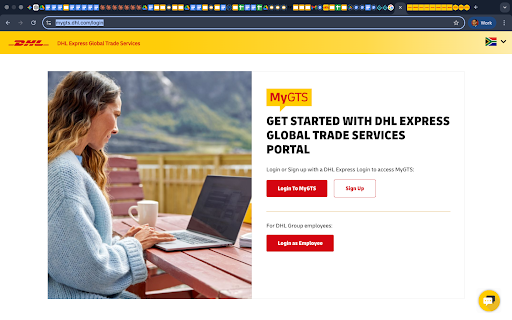
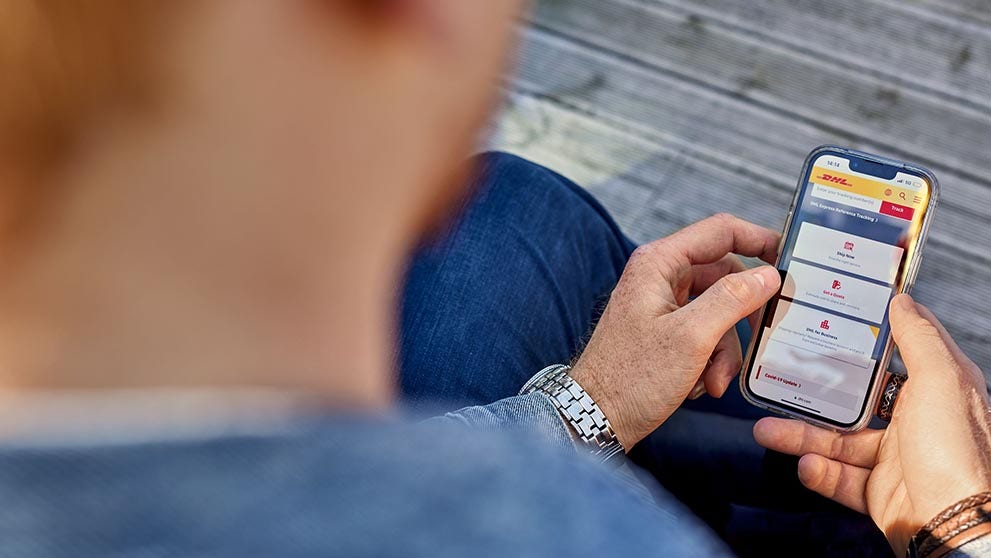
Your shipping journey begins at the MyDHL+ portal, the trusted platform for South African exporters. Whether you’re sending a one-off parcel or managing regular shipments, MyDHL+ offers flexibility. No account? No problem, you can ship as a guest. For frequent shippers, logging into your account means faster bookings and saved preferences, making the process even smoother. Just select South Africa as your country of export and enter your parcel’s destination. This simple step gets your shipment rolling.

Enter Sender, Receiver, and Shipment Details with Precision

Accuracy is key. When filling out sender and receiver details, provide full names, company names if applicable, and complete physical addresses. Include valid phone numbers and email addresses for both parties, this helps the courier resolve any delivery questions quickly.

Be clear and specific about what’s inside your parcel. Avoid vague descriptions like “gift” or “samples.” Instead, provide a detailed description, plus the exact weight and dimensions of your package. Getting these details right helps prevent delays and unexpected fees, and keeps your parcel moving smoothly through the system.

/content/dam/south-africa/shipping-with-dhl/services/Complete Customs.png

Complete Customs, Payment, and Service Selection

International shipments mean customs paperwork is part of the label creation process. 

MyDHL+ guides you step-by-step through creating your customs invoice, adding any tax or third-party details, and selecting the DHL Express service that matches your delivery timeline. Before you pay, you get a clear cost breakdown, so there are no surprises. Need help with HS codes or duty calculations? DHL’s MyGTS tool uses AI to help you classify your goods correctly, ensuring compliance and accurate pricing.

Download, Print, and Attach Your Label Correctly

Once your booking is confirmed, download your shipment label and print it using a laser or thermal printer at the correct size. DHL recommends A4 or 4x6-inch label paper, depending on your printer setup. Attach the label flat on the top surface of your parcel where it’s fully visible. Avoid covering the barcode with tape, this is a common cause of scanning problems. It’s also smart to include a spare label inside the box, just in case the outer label gets damaged during transit.

Applying Your Shipment Label Properly

In packing shipment with care, a clear, secure label is key to fast processing. Stick the label firmly on the top of the box, ensuring it’s fully visible and not covering any seams or corners. Avoid placing other labels, tapes, or documents over the shipment label. If you’re reusing a box, remove all old labels first. For additional paperwork, use a clear, self-adhesive pouch on the outside of the box, separate from your shipment label.

/content/dam/south-africa/shipping-with-dhl/services/Avoid These Common Mistakes.jpg

Avoid These Common Mistakes; Plus a No-Printer Option

DHL Express equips South African shippers with the tools, network, and expertise to send parcels internationally with confidence. Ready to simplify your cross-border shipping? Start your journey by setting up a business account with DHL,  your trusted partner in global logistics.

Bringing It All Together

Creating a professional shipment label is quick, easy, and vital for a smooth international delivery. Follow these steps and your parcel will be ready to face the challenges of global shipping. For an even better experience, partner with DHL to handle your logistics. Our worldwide network and expert support keep your packages moving swiftly and safely from South Africa to any destination on the planet. With the right label and a reliable partner, the world is truly within your reach.