You’ve sent the order, shared the tracking number and moved on to the next job. Then comes the customer message: “Where’s my parcel?”
For South African businesses, answering that question shouldn’t mean searching through emails or chasing updates by hand. With DHL Express Track and Trace, you can check a shipment’s progress online, understand the latest tracking update and spot when a delivery may need attention.
Whether you’re sending one parcel or managing orders for your business, a quick tracking check can help you plan your next step and keep your customer informed.
Where Can You Track Your Parcel?
Visit the DHL Track and Trace page and enter your tracking number to see the available shipment updates.
For DHL Express shipments, the tracking number is usually the 10-digit Air Waybill (AWB) number shown on your shipping label or receipt.
Need to check more than one order? MyDHL+ Quick Tracking lets you enter up to 10 shipment numbers at a time. Where supported, you can also search using a temporary ID or reference number. It’s a handy way to review several deliveries without looking each one up separately.
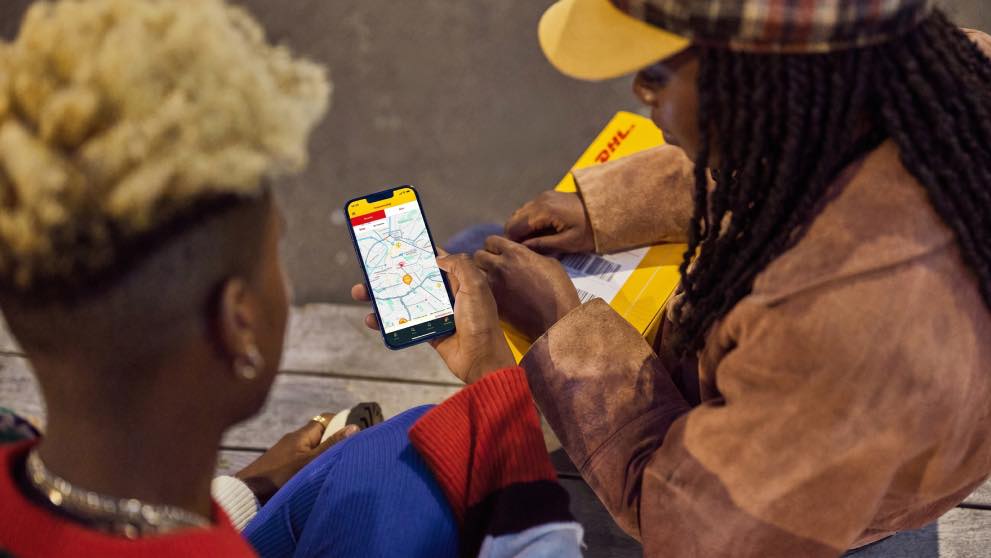
What Do the Different Tracking Statuses Mean?
Tracking updates show key milestones in a parcel’s journey. Knowing what each one means can help you decide whether to wait for the next scan, provide more information or get in touch with DHL.
Picked Up: Your Parcel Has Entered the Network
This status means DHL has collected or accepted your shipment into its delivery network.
If you’ve just handed over the parcel and tracking hasn’t updated yet, give the first scan a little time to appear. It’s also worth checking that you’ve entered the correct tracking number.
In Transit: Your Parcel Is Moving Through the Network
Your shipment is travelling through the delivery network. It may be moving between facilities or heading to its next processing point.
Tracking isn’t a continuous, live view of your parcel, so a gap between scans doesn’t automatically mean it’s lost or delayed. Check the latest event alongside the expected delivery date before deciding whether to follow up.
Customs Clearance: Your International Shipment Is Being Processed
For an international shipment, a customs-related status means the parcel is being reviewed by the relevant authorities.
Depending on the destination and the contents, customs may ask for additional documents or information about the goods. Duties and taxes may also apply. Accurate shipment details and complete documentation can help avoid unnecessary delays. If DHL asks you to provide information, respond as soon as you can.

Out for Delivery: Your Parcel Is Nearing Its Destination
This status generally means your shipment has reached the final delivery stage and is out for delivery.
If you’re the recipient, check that the delivery details are correct and that someone can receive the parcel if needed. If you’re the sender, this is a useful update to share with your customer. Keep in mind that “Out for Delivery” doesn’t guarantee a specific arrival time.
Delivered: The Shipment Has Been Recorded as Delivered
A “Delivered” status means the shipment has been recorded as handed over to the receiver. Depending on the shipment, further delivery details or proof of delivery may be available.
If the recipient can’t locate the parcel, first check the tracking details and delivery address. If it’s still missing, contact DHL or the sender so they can investigate.
Exception: Something May Be Affecting Delivery
An exception means an event may affect the shipment’s progress or expected delivery. This could be an address issue, a customs requirement or an operational disruption.
Read the accompanying message carefully. If it asks you to take action, follow the instructions or contact DHL for help. An exception doesn’t necessarily mean the parcel is lost.
Tracking Hasn’t Changed. Should You Be Concerned?
Not necessarily. Tracking updates appear when shipment milestones are recorded; they don’t show your parcel’s location every moment.
If the status hasn’t changed, start with three simple checks:
Review the latest event. Look for details about processing, customs or a delivery issue.
Check the expected delivery date. A short gap between scans is different from a shipment that’s overdue.
Follow up if needed. If the parcel has passed its expected delivery date or the status points to a problem, contact the sender if you’re the recipient. If you’re the sender, check the shipment status online and follow the next steps provided.
The aim is to see whether the shipment needs attention, not to assume that every pause between updates signals a problem.
How Shipment Visibility Helps Your Business
For a business, tracking does more than answer customer questions. It helps your team monitor deliveries, spot shipments that may need attention and share clearer updates with customers.
Quick Tracking is useful when you’re handling several orders at once. For South African exporters, shipment visibility also makes it easier to keep an eye on cross-border deliveries and respond if an update calls for action.
Tracking can’t prevent every delay. It can help your team spot issues sooner, make informed decisions and set realistic delivery expectations.
Keep Every Shipment Within Reach
Whether you’re tracking a single parcel or managing dozens of customer orders, knowing where each shipment stands helps you plan and keep things moving. With DHL Track and Trace, you can check delivery progress, look out for potential delays and use Quick Tracking to review several shipment numbers together.
That visibility can help your business respond to customer queries with confidence, manage expectations and spend less time chasing updates. It’s a smoother experience for your team, and greater peace of mind for your customers.
Ready to manage your business shipments with greater visibility? Open a DHL Express Business Account to explore business shipping services and tools that can help you manage deliveries more efficiently.
FAQs
Head to the DHL South Africa tracking page and enter your tracking number. If your parcel is travelling with DHL Express, you’ll usually find the 10-digit Air Waybill number on your shipping label or receipt. Not sure which number to use? DHL’s guide to understanding a waybill shows you where to find it.
First, check the most recent tracking update and the expected delivery date. Parcels aren’t scanned at every point along the journey, so a short gap in updates doesn’t always mean something is wrong. If your delivery is overdue or the status shows an issue, follow DHL’s guidance on checking your parcel status online. You can also contact the sender or DHL for help.
You may be able to change the delivery arrangements for an eligible DHL Express shipment. Depending on your parcel and destination, you could reschedule delivery, send it to a different address or collect it from an available DHL location. Check DHL’s guide to On Demand Delivery to see which options are available for your shipment.


 Share

Similar Stories