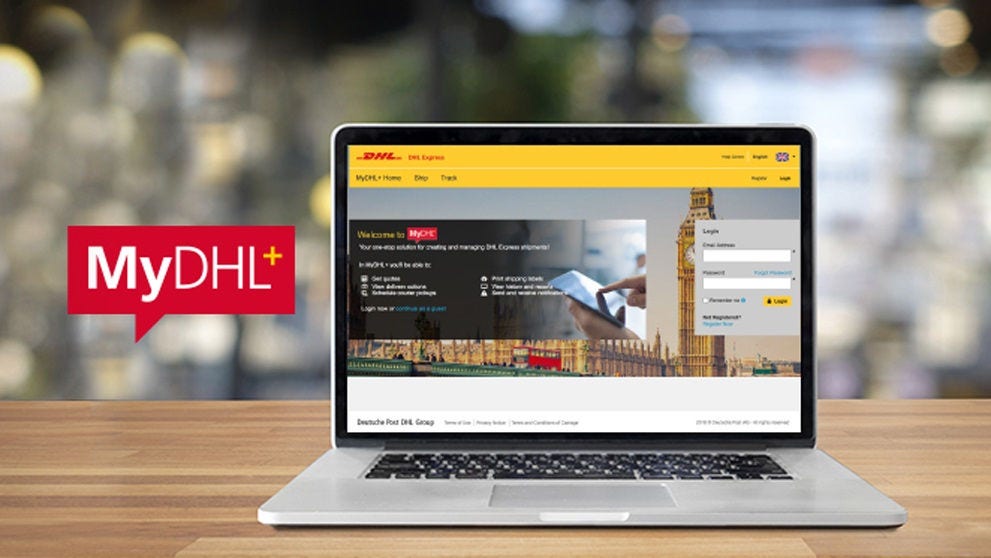
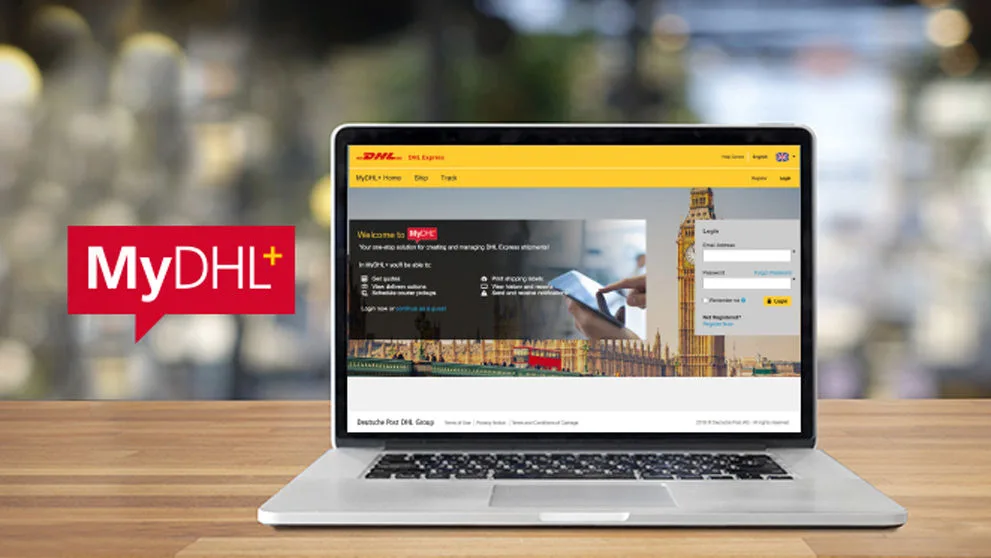
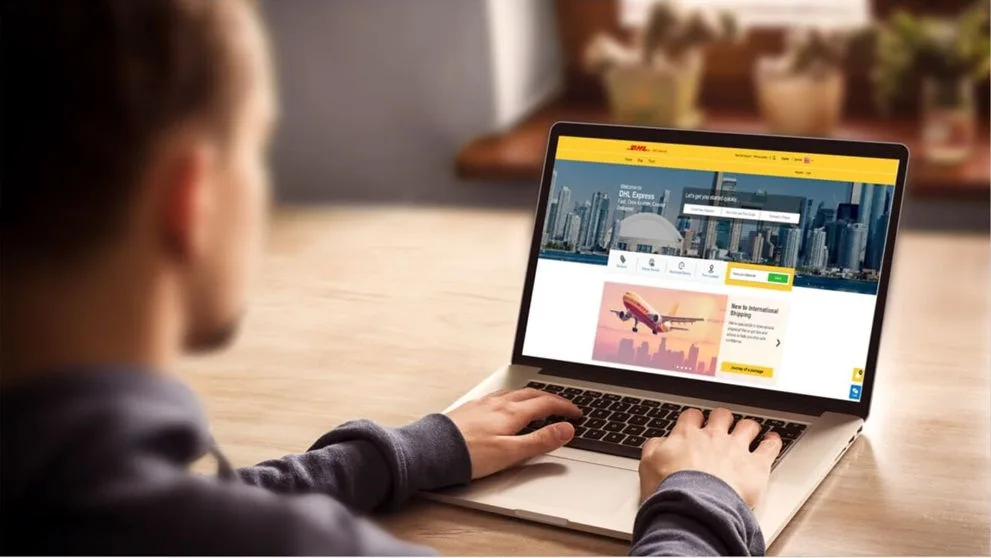
A Supplier Link enables you to create a unique URL and passcode for MyDHL+ which you can provide to anyone you want to ship for you. Using a URL and passcode means they do not have to register for MyDHL+ and have their own login. If they do already have their own MyDHL+ login, they would still use the unique URL that you give them as you may not want to divulge your DHL Account number to them.
You should add restrictions to the Supplier group so they can only use certain account numbers and those account numbers are masked. Also, you could restrict the Supplier to only be able to ship From and To certain Countries, or use specific delivery options and optional services for example.
Requirements
Your MyDHL+ profile needs to be a Corp. If you have a grey bar at the top of the MyDHL+ page that contains ‘Admin Settings’ and ‘Shipping For’, then you are already a Corp profile.
If you are not already a Corp, go to the Changing to a Multi User (Corp) guide.
Contact cfituk@dhl.com and ask for Supplier Link to be activated for your Corp. They will need your e-mail address.
Configuration
Click Admin Settings in the grey bar at the top of the page and then select Groups from the Admin Settings menu on the left.
Click the yellow Add Supplier button and give the Supplier a Name
In Admin Controls, tick any options that you want the supplier to have access to.
Scroll to the bottom of the page and click Save and Continue
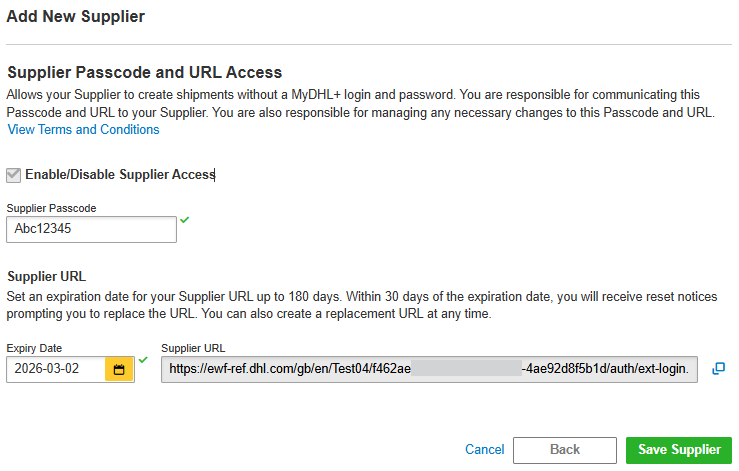
Enter a supplier passcode. You will need to give this to your supplier(s) along with the unique Supplier URL.
The Supplier URL is valid for 90 days.
You will be reminded before the Supplier URL expires and you can extend the expiration date.
If you wish to Disable the Supplier group, you can remove the tick from Enable/Disable Supplier Account.
It is recommended to place some restrictions on the Supplier such as Account numbers / delivery options / optional services they can use.
Details of how to do this can be found in the Corp Settings and Defaults guide. Please contact the CFIT Helpdesk (cfituk@dhl.com or call 0844 2480521) if you are unsure or need any further information.
What the supplier will see
The Supplier will use the Supplier URL and passcode provided by you to access MyDHL+. They do not need their own MyDHL+ login / profile. If they do already have a MyDHL+ login / profile, they should not use it when shipping for you.
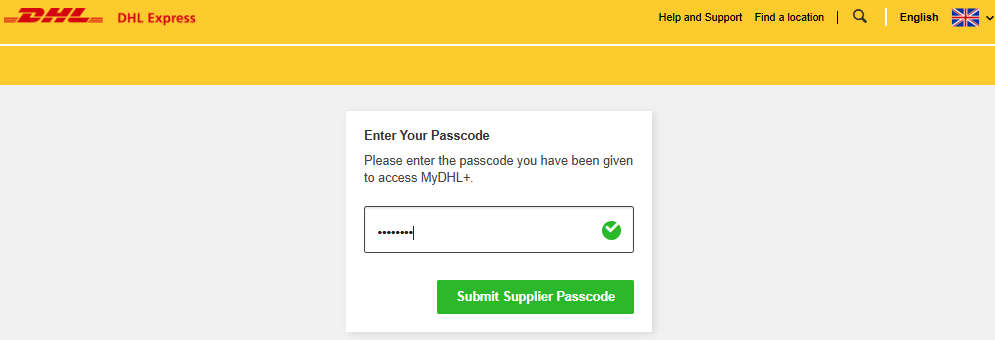
During shipping, the account number(s) will be masked and only those account numbers Active in the Supplier Link Group will be available for the Supplier to use. Any defaults and settings configured for the Supplier group will apply.
When the Supplier uses MyDHL+, they will not be able to see anything in Manage Shipments or My Pickups.


 Share
Share
Similar Stories