What is Label-Free?
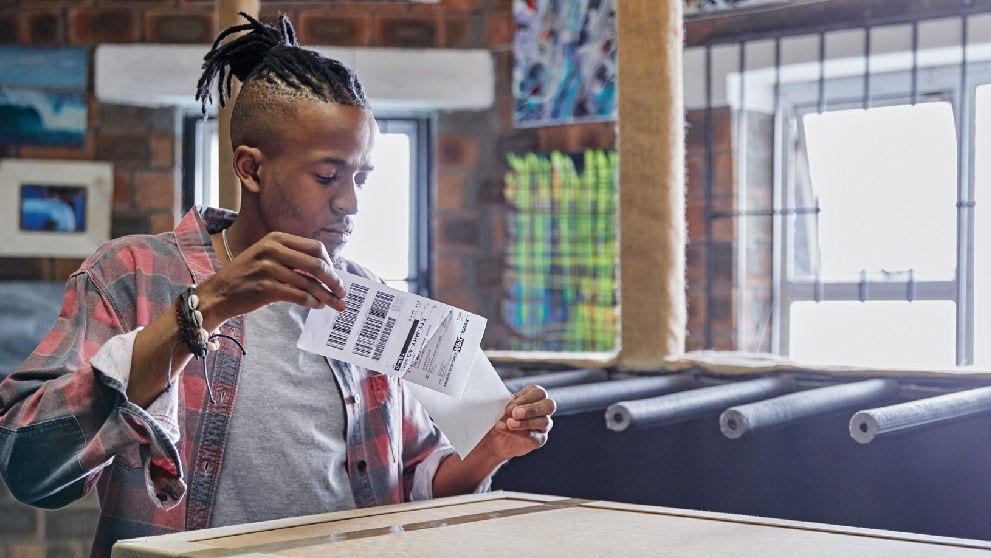
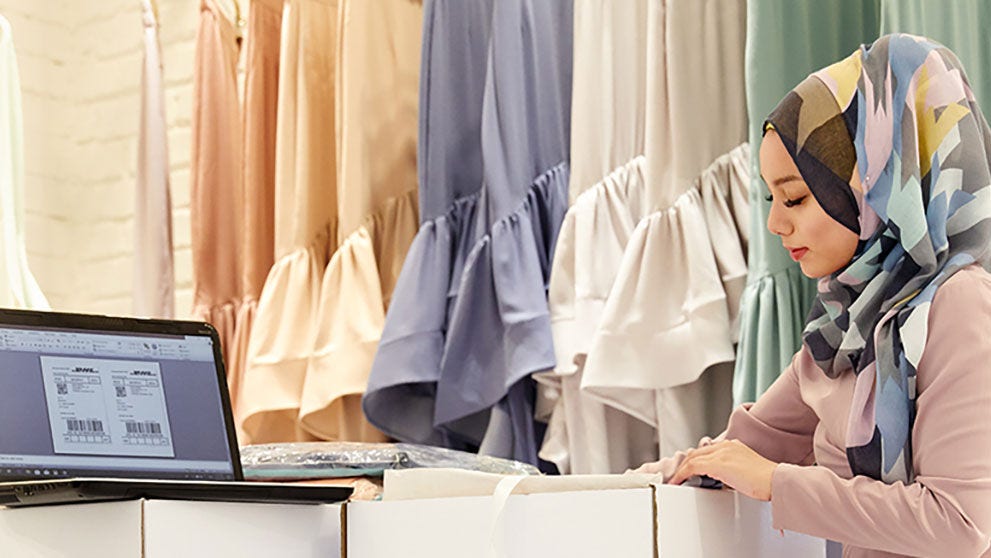
Label-free is where the shipper in the UK can use a QR code instead of printing a label. This is in case the shipper does not have access to a printer.
Considerations
1 QR Code per shipper e-mail address per day
Single Piece shipments only
Paperless Trade destinations only (if the shipment is a Package)
The option 'Yes – schedule pickup' should be selected in My Shipment Settings > Courier Pickups > I want my export pickup default to be.
Label-Free is available for pickups and drop offs in the UK for account holders.
Not available for Medical Express or Dangerous Goods shipments
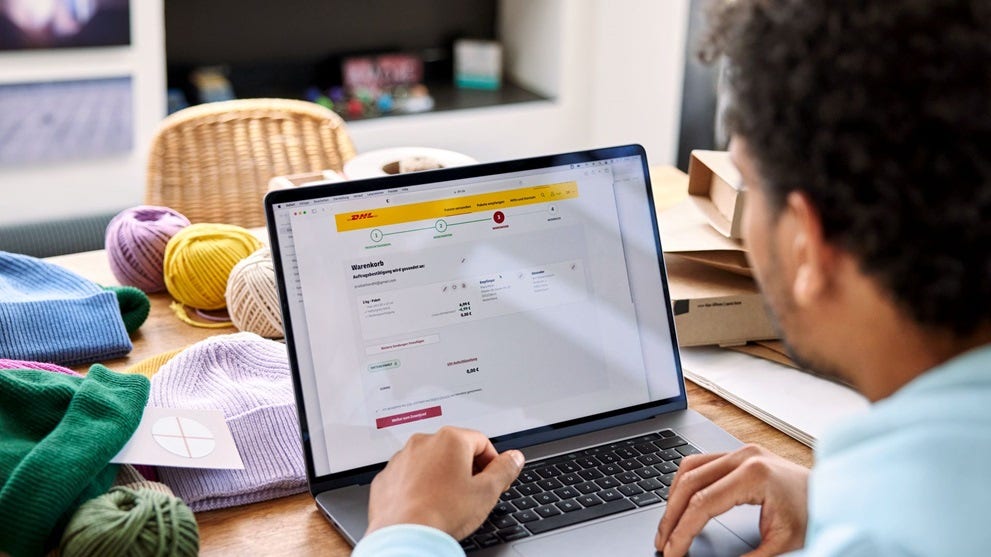
Ship > Create Shipment
Enter the From and To information as usual
In the From e-mail address, enter the e-mail address of who will need the QR Code
Complete the various sections as usual
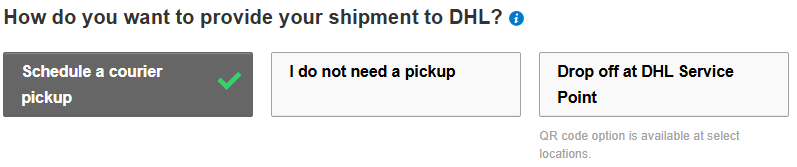
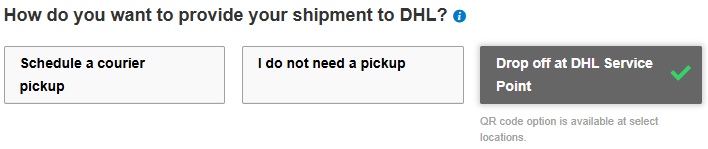
How would you want to provide your shipment to DHL?
Option 1: Schedule a courier pickup
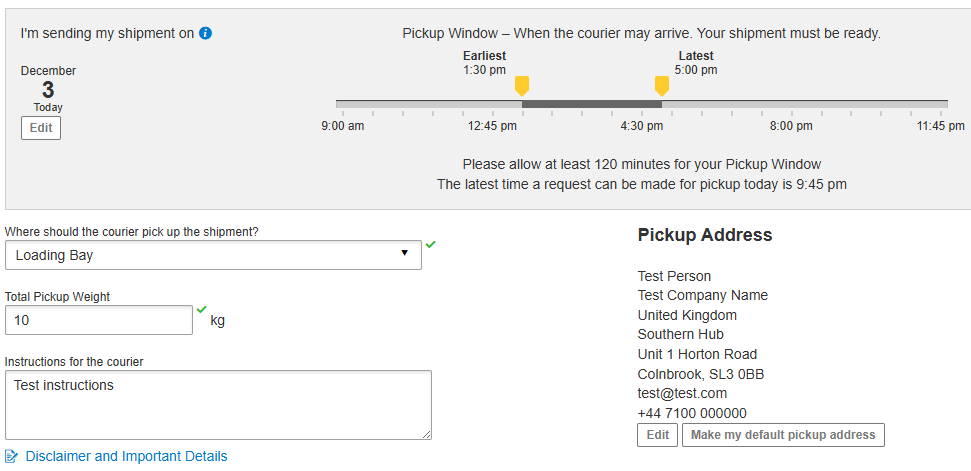
Complete the information required.
Ensure the e-mail address that needs the QR Code is in the Pickup Address. Edit if needed.
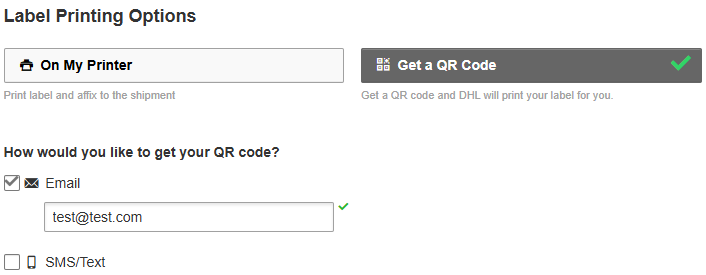
Label Printing Options
Select Get a QR Code and ensure the correct e-mail address is entered.
Accept and continue
Shipment Confirmation
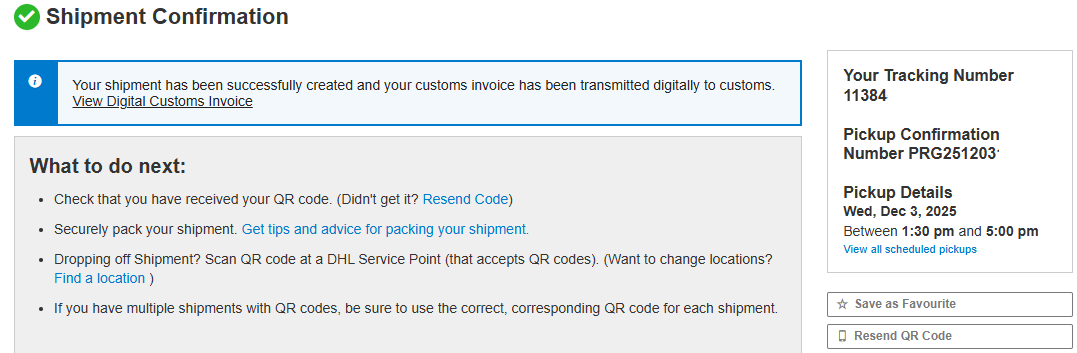
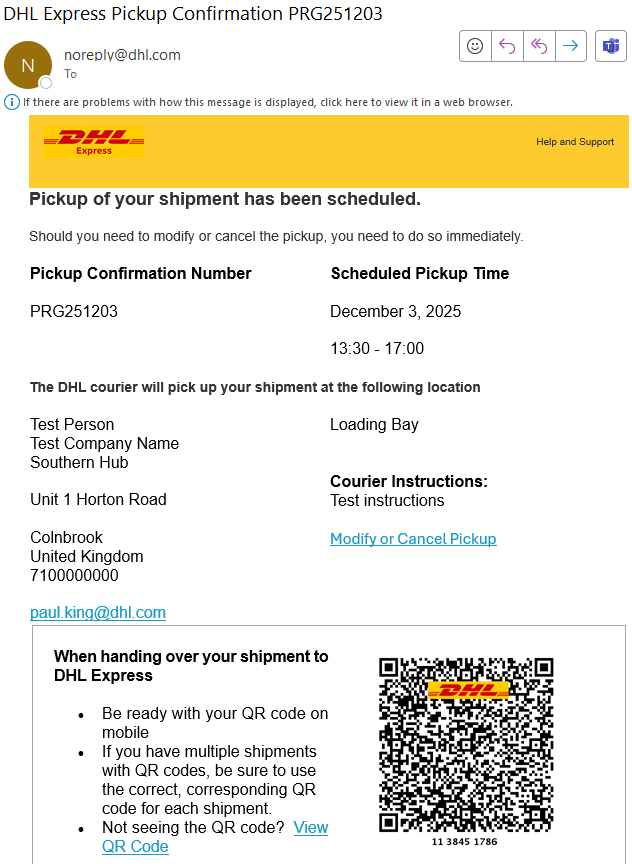
Shipper will receive an e-mail from noreply@dhl.com with the Subject DHL Express Pickup Confirmation PRG****
Show the QR code to the Courier when they arrive to collect the shipment.
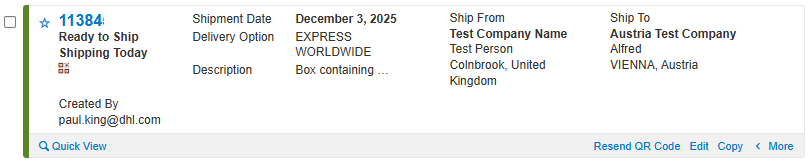
Manage Shipments
If the QR Code needs to be re-sent, find the shipment in Manage Shipments and click Resend QR Code.
Option 2: Drop off at a DHL Service Point
Label Printing Options
Select At DHL Service Point and then Find a location
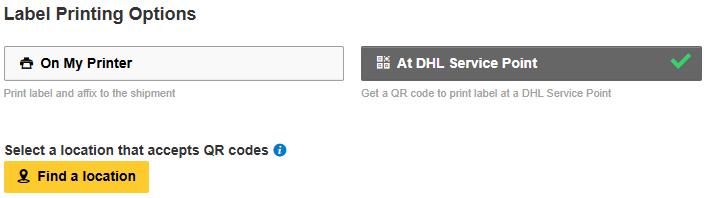
Select a location from the map and then ensure the correct e-mail address is entered
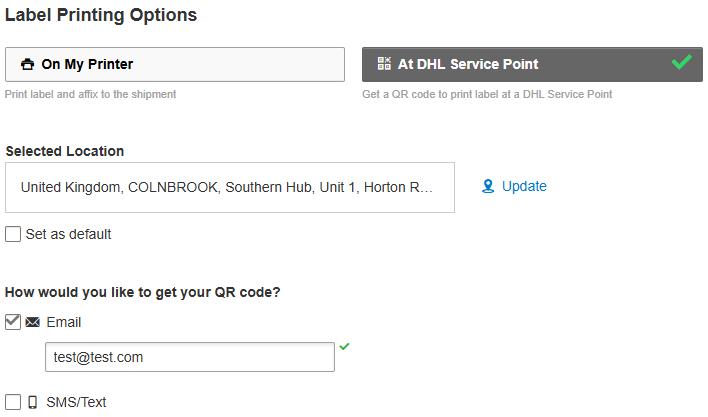
Accept and Continue
Shipment Confirmation
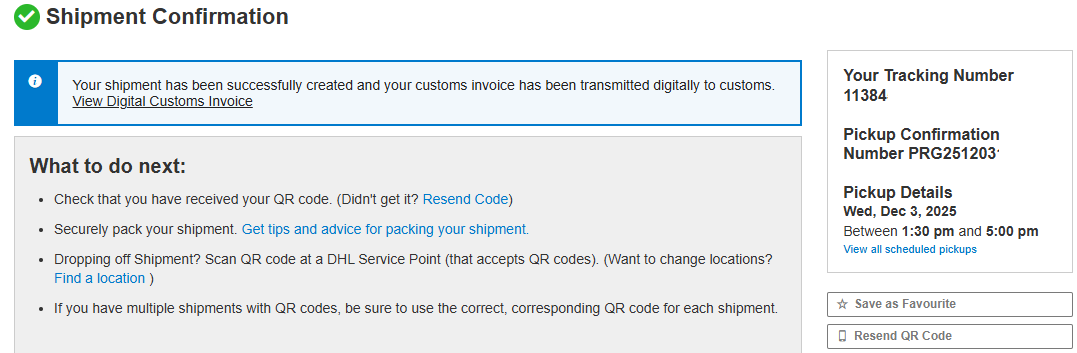
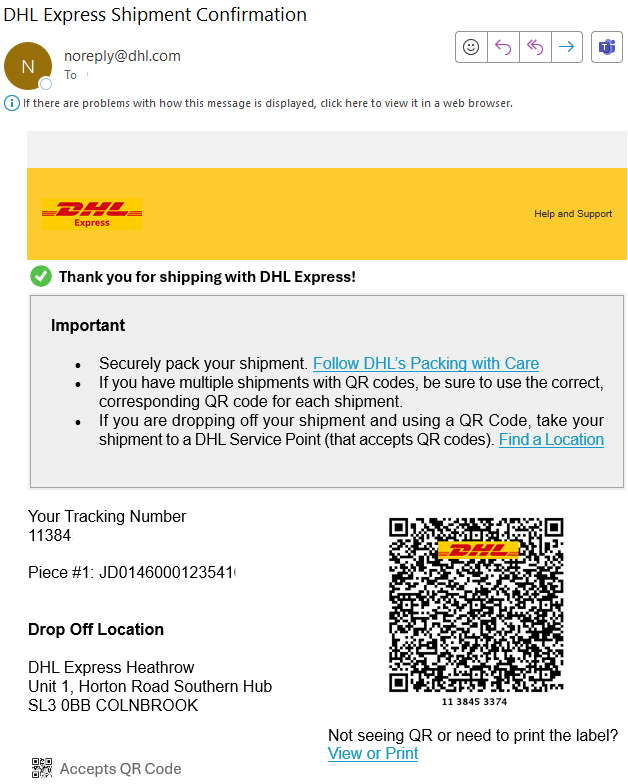
Shipper will receive an e-mail from noreply@dhl.com with the Subject DHL Express Shipment Confirmation
Show the QR code when you are at the DHL Service Point.
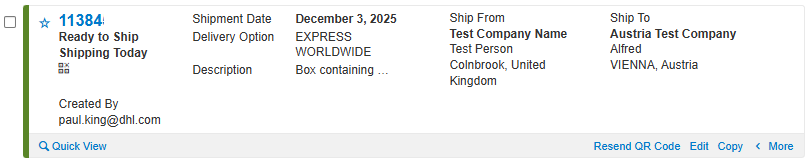
Manage Shipments
If the QR Code needs to be re-sent, find the shipment in Manage Shipments and click Resend QR Code.


 Share
Share
Similar Stories