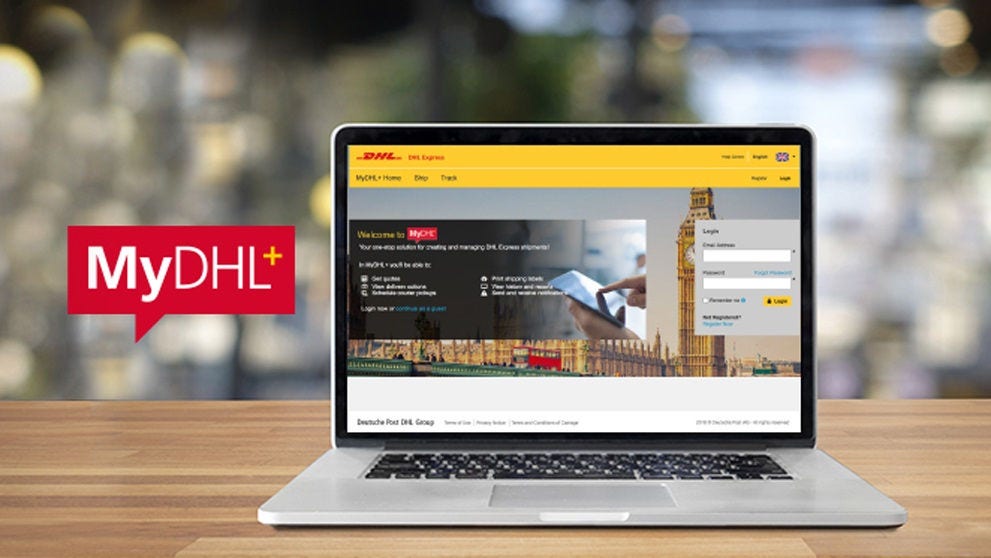
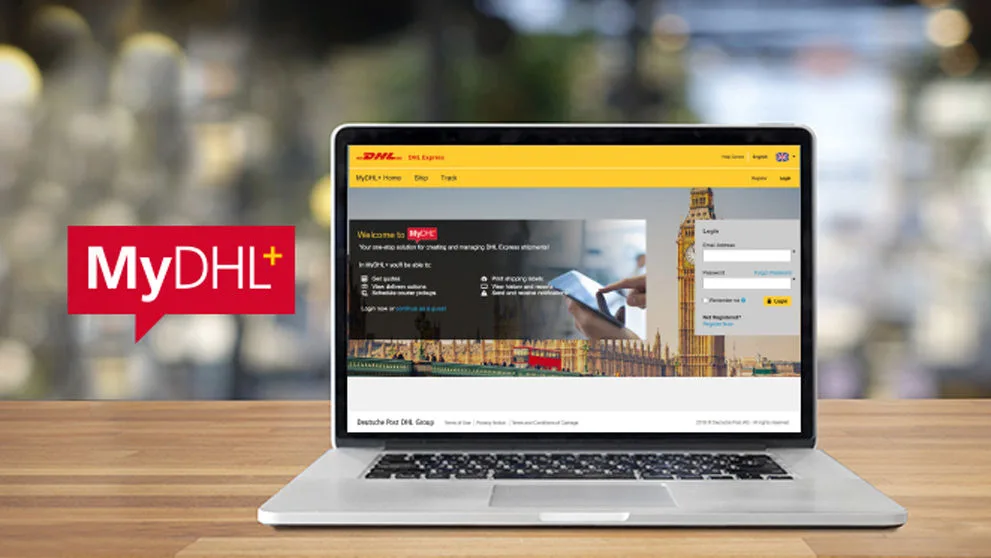
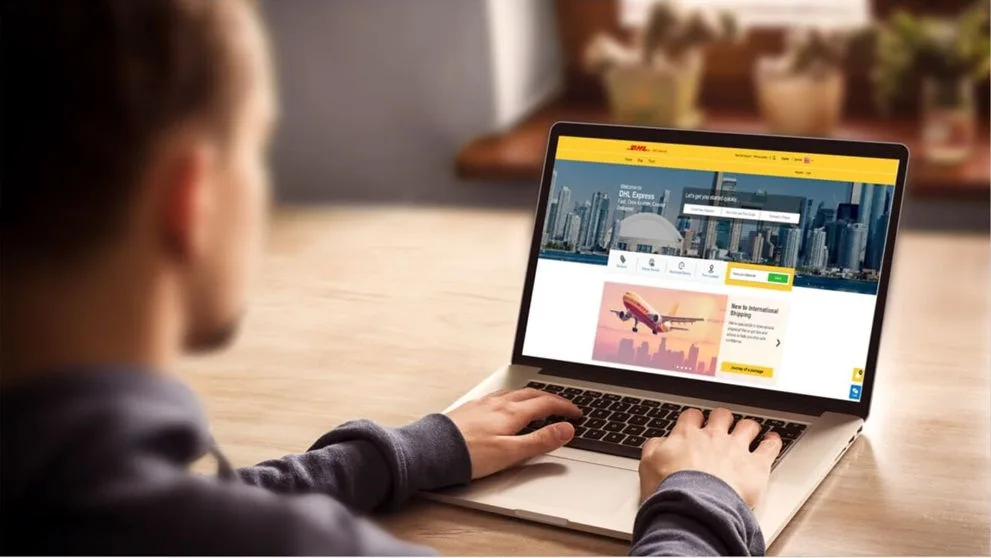
Using MyDHL+, follow these steps to obtain a quote, find out a transit time, or see which services DHL offer between origin and destination.
1. Go to MyDHL+ and click Login
If you do not already have a login, click Register and follow the steps.
2. Browse to Ship > Get a Rate and Time Quote
3. Your Shipper details will be pre-populated. You can replace them if you are shipping from a different address
4. Select the Destination Country and enter the Destination Zip and select the Town / City
5. Click next to go to the next section
6. Select if the shipment is a Document or a Package
7. If the shipment is a Package, enter a Declared Value
8. Enter the Package details (Quantity, Weight and Dims) and click Search
The account number will be pre-populated.
9. Click the Get Quote button
Delivery dates and Prices will be displayed.
10. If you would like to ship, click the Select button and you will be prompted to complete the shipment information.
For help creating a Shipment, you can follow the one of the following guides - How to Create a Shipment (Package) or How to Create a Shipment (Document).


 Share
Share
Similar Stories