With millions of products on Amazon, simply listing your item isn’t enough — visibility is key. If you want to promote your product on Amazon and increase sales, PPC advertising is the most effective way to do so.
But how does PPC on Amazon work, and how can Malaysian sellers take advantage of it? This quick-start guide explains what Amazon advertising is, how to set up a campaign, and how reliable international logistics partners like DHL Express can support your growth.
Understanding Amazon advertising
What is PPC advertising on Amazon?
Amazon PPC is short for pay-per-click advertising. You only pay when someone clicks on your ad — making it a measurable and scalable way to promote your products on Amazon.
Whether you’re launching a new listing or driving traffic to a best-seller, Amazon PPC campaigns help increase discoverability and drive purchases. They also contribute to better organic rankings, especially when paired with a well-optimised product page.
Many sellers start with Sponsored Products, the simplest and most accessible ad format, before expanding into more advanced options.
Types of advertising options on Amazon
There are several types of advertising options Amazon, each designed to support different business goals:
- Sponsored Products – Promote individual product listings in search results and product detail pages. Best for conversions and new product visibility.
- Sponsored Brands – Banner-style ads featuring your logo and multiple listings. Ideal for increasing brand awareness.
- Sponsored Display – Retargeting ads that appear both on and off Amazon to re-engage shoppers who didn’t purchase.
- Amazon Demand Side Platform (DSP) – Programmatic ads that help reach shoppers across the web. Used for brand-building and remarketing at scale.
Tip: If you're new to Amazon ads, start with Sponsored Products. It's the most straightforward way to learn how to promote your product on Amazon and see results quickly.
How to set up an Amazon PPC campaign (step-by-step)
Launching your first Amazon ad campaign may seem complex, but the platform is designed to be beginner-friendly. Here’s how to set up an Amazon PPC campaign, whether you're new to Amazon advertising or want to improve your current setup.
Step 1: Access the Amazon Advertising Console
Start by logging into your Amazon Seller Central account. From the main dashboard:
- Navigate to Advertising > Campaign Manager
- Click Create Campaign and choose your campaign type (e.g. Sponsored Products)
This is your control centre for running and managing all types of Amazon PPC advertising.
Step 2: Define your campaign goal and set a budget
Select your advertising goal based on your business objective:
- Increase product sales → choose Sponsored Products
- Build brand awareness → try Sponsored Brands
- Retarget previous visitors → use Sponsored Display
Then set your daily or total budget, and decide how long your campaign should run. Starting with a modest budget helps you test performance before scaling up.
Step 3: Choose your targeting method
There are two main targeting options:
- Automatic Targeting – Amazon’s system chooses keywords and placements for you. Ideal for beginners who want to learn how Amazon PPC works without manually researching terms.
- Manual Targeting – You choose keywords, match types, and bids. Best suited for sellers who want more control and are ready to optimise.
Pro tip: Start with automatic targeting for your first few campaigns, then review what worked and shift to manual targeting for better cost efficiency.
Step 4: Add keywords and select your bidding strategy
To help Amazon match your ads with shopper searches, you'll need to set:
- Keyword match types:
- Broad match – Shows your ad for variations and related terms
- Phrase match – Matches exact phrases and close variations
- Exact match – Only triggers when a user types your exact keyword
- Bidding strategies:
- Dynamic bids – Amazon adjusts your bid based on conversion potential
- Fixed bids – You control exactly how much you spend per click
- Rule-based bids – Customise based on performance data
Start broad, and narrow down by adding negative keywords (terms you don’t want your ads to show for). This cuts down on wasted spend and improves return on investment.
Step 5: Launch and monitor your campaign
Once everything’s in place, click Launch Campaign.
Let your campaign run for at least 7–10 days before making big changes. During this period, monitor:
- CTR (Click-Through Rate) – How often people click after seeing your ad
- CVR (Conversion Rate) – How many purchases come from those clicks
- ACOS (Advertising Cost of Sale) – Total ad spend as a % of sales
Tip: Don’t panic if results aren’t instant. Successful Amazon sponsored product campaigns take time to optimize.
Optimizing your Amazon PPC performance
Once your campaign is live, the work doesn’t stop. Knowing how to run an Amazon PPC campaign includes continuously reviewing performance and making smart adjustments to improve results over time.
1. Review and adjust bids regularly
Check your Campaign Manager dashboard for key performance indicators like impressions, clicks, and conversions.
- Lower bids for keywords that aren’t converting
- Increase bids for high-performing search terms to get more exposure
This ongoing refinement helps improve your Amazon PPC campaign’s efficiency and profitability.
2. Use negative keywords to reduce wasted ad spend
If your ad appears for irrelevant searches, you could be spending money on clicks that don’t lead to sales. Add negative keywords to block terms that don’t convert.
Example: If you sell premium leather bags, consider excluding keywords like “cheap” or “faux leather” to avoid mismatched traffic.
3. A/B test your creatives and ad formats
Experiment with:
- Product images
- Headlines
- Bullet points
- Ad formats (e.g. Sponsored Brands vs. Sponsored Display)
Use Amazon’s built-in A/B testing tool (Manage Your Experiments) to identify what resonates best with your target audience.
4. Scale what works
Once you find a winning formula, invest more in your top-performing campaigns. Expand your keyword lists and move high-performing keywords into manual campaigns for more control.
Amazon’s marketplace is fast-paced — check your ads weekly to stay competitive and avoid missing out on opportunities.
Common Amazon advertising mistakes to avoid
Even seasoned sellers can make costly errors. Here are some common missteps to watch out for:
- No budget strategy – Setting a budget too low limits reach, while one that’s too high can quickly drain your resources.
- Ignoring listing quality – Great ads won’t convert if your product listing lacks strong images, descriptions, or reviews.
- Neglecting negative keywords – Leads to unnecessary ad spend on irrelevant searches.
- Expecting instant results – Amazon PPC takes time and data to optimise. Be patient and persistent.
Pairing Amazon ads with reliable logistics for growth

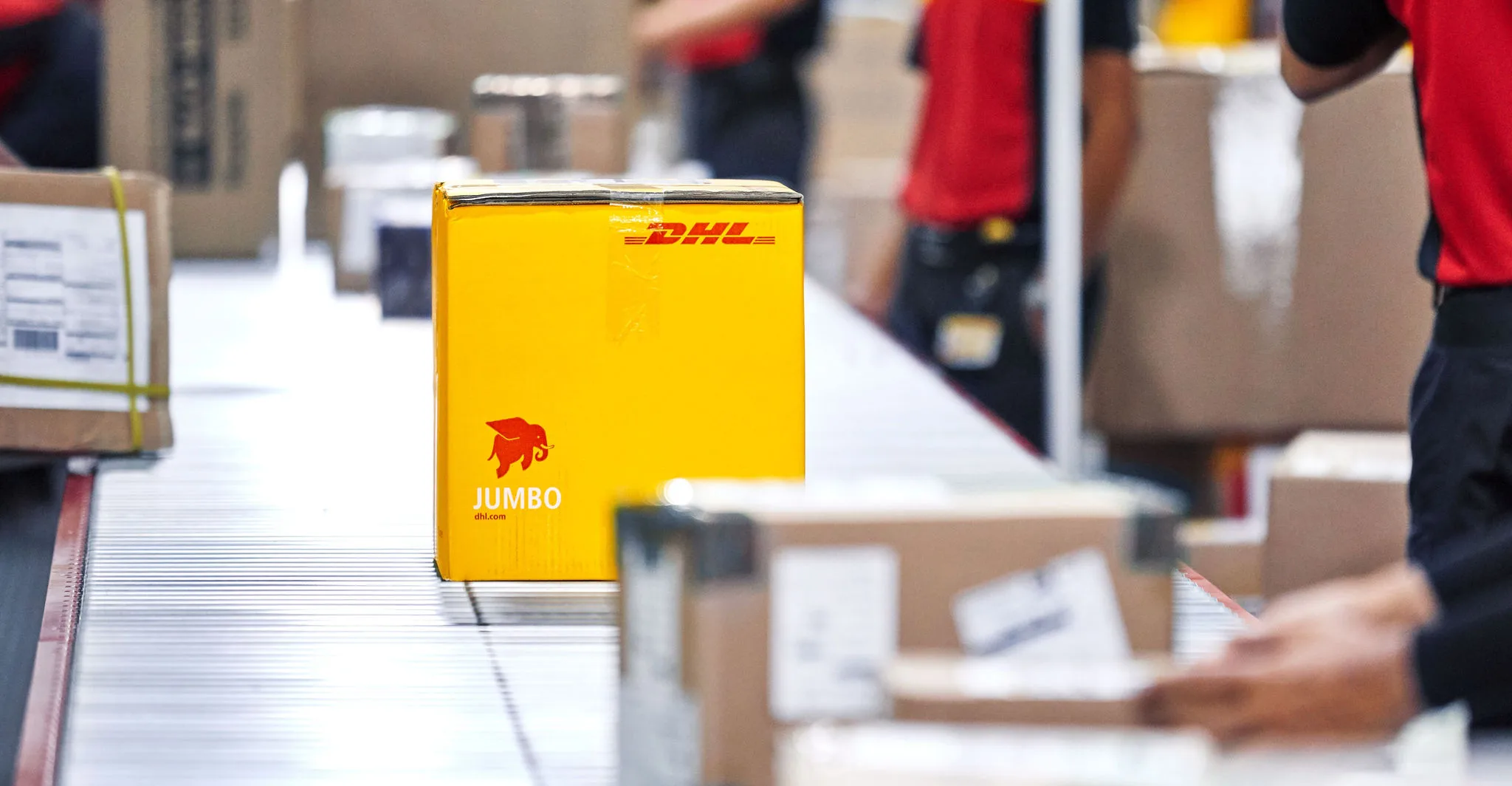
Effective advertising draws in customers — but delivering your products efficiently is what keeps them coming back. That’s where a strong logistics partner like DHL Express makes a difference.
Why sellers trust DHL Express for fulfilment:
- Fast international shipping: Reach global Amazon customers with time-definite deliveries from Malaysia
- Cross-border shipping support: Tailored solutions for Amazon FBA and FBM sellers, helping streamline international logistics
- Seamless customs clearance: Leverage DHL’s expertise to avoid delays and ensure compliance with destination country regulations
- End-to-end tracking: Real-time parcel updates keep both you and your buyers informed at every step
Whether you're scaling your Amazon store or just getting started, a reliable international shipping partner is key to delivering on customer expectations and protecting your brand reputation.


 Share
Share
Similar Stories