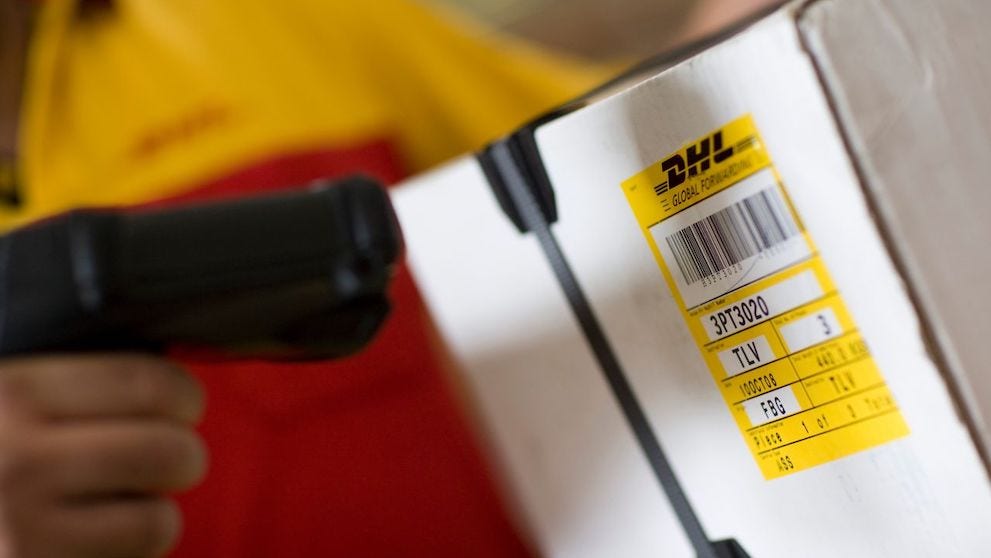
Ten digits. It is the waybill number, the shipping document that travels with the shipment, and the same one DHL asks for when you track through Facebook or WhatsApp.



 Share
Share

To use DHL tracking in Brazil, you need the waybill number, the shipping document attached to every piece. With DHL Express it has 10 digits and works for domestic and international shipments. Enter it on the DHL website, in MyDHL+, in the app or on WhatsApp to see each step, from pickup to delivery.
Anyone who ships wants to know two things: has it left, and when will it arrive. Tracking answers both without a phone call, and you can share the number with the person receiving it.
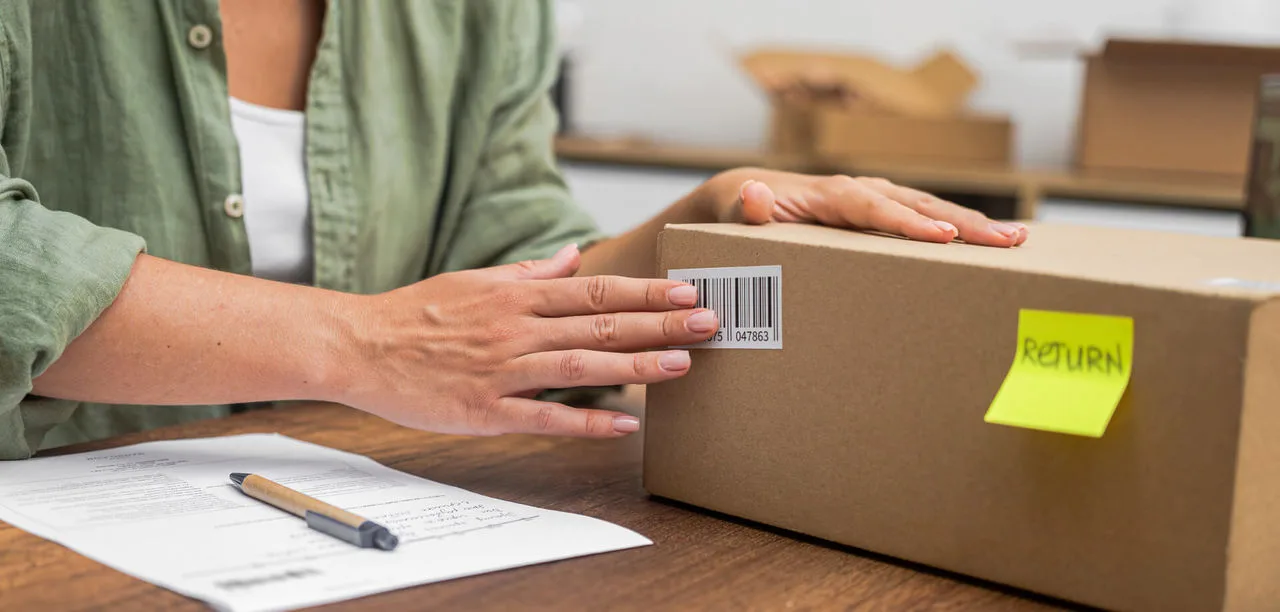
On the waybill, the shipping document DHL attaches to every piece. Every DHL Express shipment needs one, and each waybill has a unique number that lets you track the shipment from pickup to delivery. Source: DHL Express Service and Rate Guide 2026, Brazil.
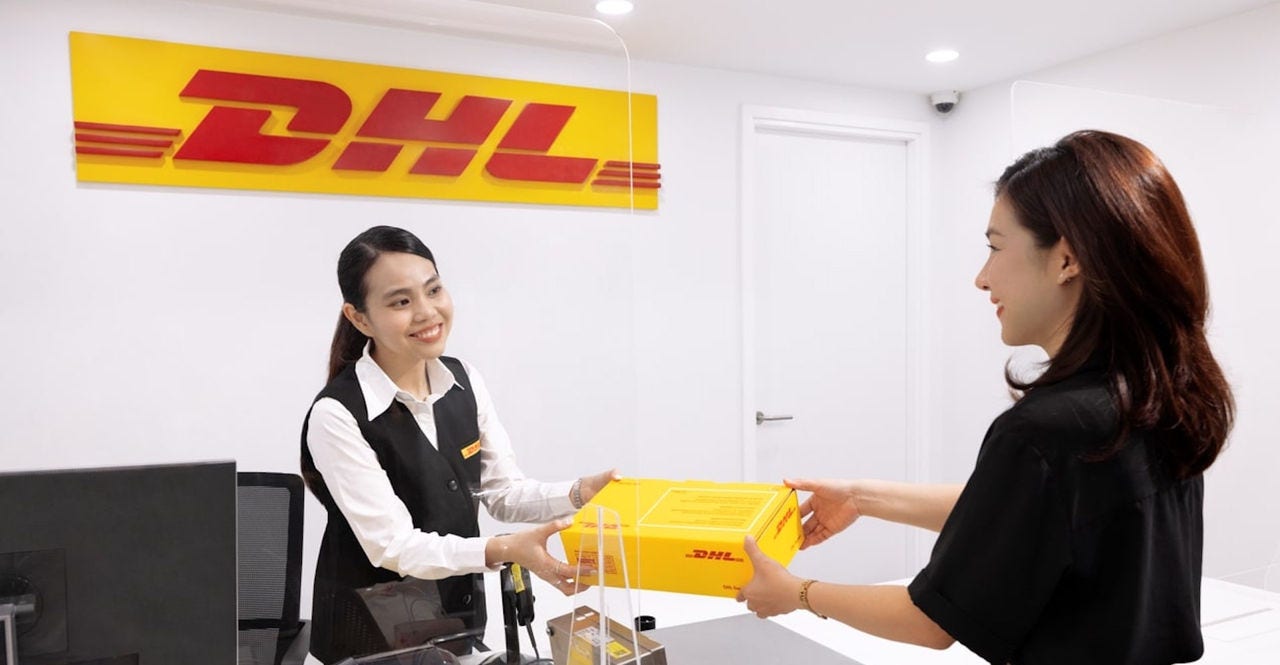
If you shipped from a DHL store in Brazil, the number is on the receipt you get at the counter. Take a photo before you put it away: it is the number you will type and the one the receiver will ask for. If you created the shipment in MyDHL+, the number is on the confirmation and on the label.
DHL defines a tracking number as the combination that uniquely identifies a shipment for national or international tracking. Source: DHL Brazil, Tracking page, October 2026.
You pick the channel. They all use the same number and none of them needs a DHL account. The table lists the options DHL Express publishes for Brazil.
Channel | How to use it | When it helps |
DHL website | Enter the number on the Tracking page | Quick check from any device |
MyDHL+ | Quick tracking by number or by reference | See the status and get proof of delivery |
DHL Express Mobile app | Download for Android or iOS | Follow on your phone and scan the barcode with the camera |
Add +55 11 4200-0033 and send "Rastrear meu envio" | Check without leaving the chat | |
Message @dhlbr with #rastrearmeuenvio and the 10-digit number | For people already on the network | |
Digital Assistant | Live chat, 24 hours a day, 7 days a week | Track and ask questions in one place |
Sources: MyDHL+ Brazil, Track Shipments and Other ways to track pages; DHL Express Service and Rate Guide 2026.
A tip if you sent more than one box: the tracking page takes more than one number per search. Separate them with a comma, a space or a semicolon.
Usually 24 to 48 hours after the number is generated. According to DHL, the first event appears as soon as the shipment reaches a DHL facility. Source: DHL Brazil, Tracking page, October 2026.
So if you have just left the store and the number shows nothing yet, nothing is wrong. Before you worry, check what you typed: the field needs at least 5 characters and does not accept symbols inside the number.
Yes, in exactly the same way. A DHL tracking number works for national or international shipments, and the channels are the ones in the table. Source: DHL Brazil, Tracking page, October 2026.
The difference is the route. A shipment within Brazil has no customs stage, so the history shows the pickup, the stops at DHL facilities and the delivery. An international shipment adds the clearance events in the destination country.
With the same number. Send the code to the receiver and they can check it on any of the channels, with no sign-up.
When the delivery address is residential, DHL notifies the receiver by email or SMS about the progress. From that notice, they can use On Demand Delivery to choose how they prefer to receive it. The options DHL publishes are:
Source: DHL Express Service and Rate Guide 2026, Brazil. For this to work, give the receiver's email and mobile number when you ship.
Most are simply route information. These are the ones that raise the most questions for senders, with DHL's own explanation:
Source: MyDHL+ Brazil, Tracking and Monitoring FAQs, October 2026. If the shipment is coming into Brazil and stopped at customs, the guide on how to track an international shipment to Brazil explains each status.
Tracking shows the delivery event, and MyDHL+ lets you get the proof of delivery with the same number. Source: MyDHL+ Brazil, Track Shipments page, October 2026.
If the contents are sensitive or valuable, two optional services strengthen that last step. Direct and Adult Signature makes sure delivery is made only to the receiver, an authorised representative or a responsible adult. And shipment insurance protects the declared value along the way. Source: DHL Express Service and Rate Guide 2026.
Is there a deadline? Time definite delivery delivers by 9:00, 10:30 or noon, depending on the destination, and tracking confirms the time.
You can still locate the shipment in some cases. If you have the reference number used when the shipment was created, MyDHL+ tracks by reference. With neither, DHL's guidance is to contact Customer Service. Source: MyDHL+ Brazil, Tracking and Monitoring FAQs, October 2026.
If you shipped from a store, there is a shorter route: go back to your receipt or talk to the store where you shipped.
For support with a shipment in progress, such as an incomplete address or a lost tracking number, the channel is DHL Express Customer Service, by phone:
Source: DHL Express Brazil, October 2026.
Ten digits. It is the waybill number, the shipping document that travels with the shipment, and the same one DHL asks for when you track through Facebook or WhatsApp.
No. The DHL website, MyDHL+ quick tracking, the app and WhatsApp work with the number alone. A MyDHL+ account is useful for keeping the history of your shipments.
Yes. A DHL tracking number works for national or international shipments, and the channels are the same.
That is not what it means. Events usually appear 24 to 48 hours after the number is generated, once the shipment reaches a DHL facility. Also check that you typed all 10 digits correctly.
For residential deliveries, yes. DHL notifies the receiver by email or SMS, and through On Demand Delivery they can change the date, name a safe place, choose another address or put the delivery on hold during holidays.
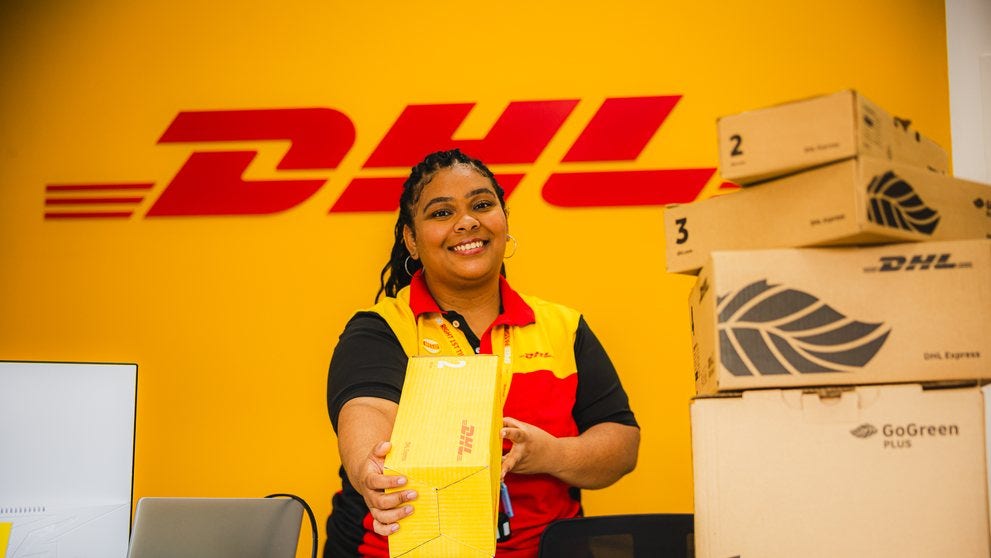
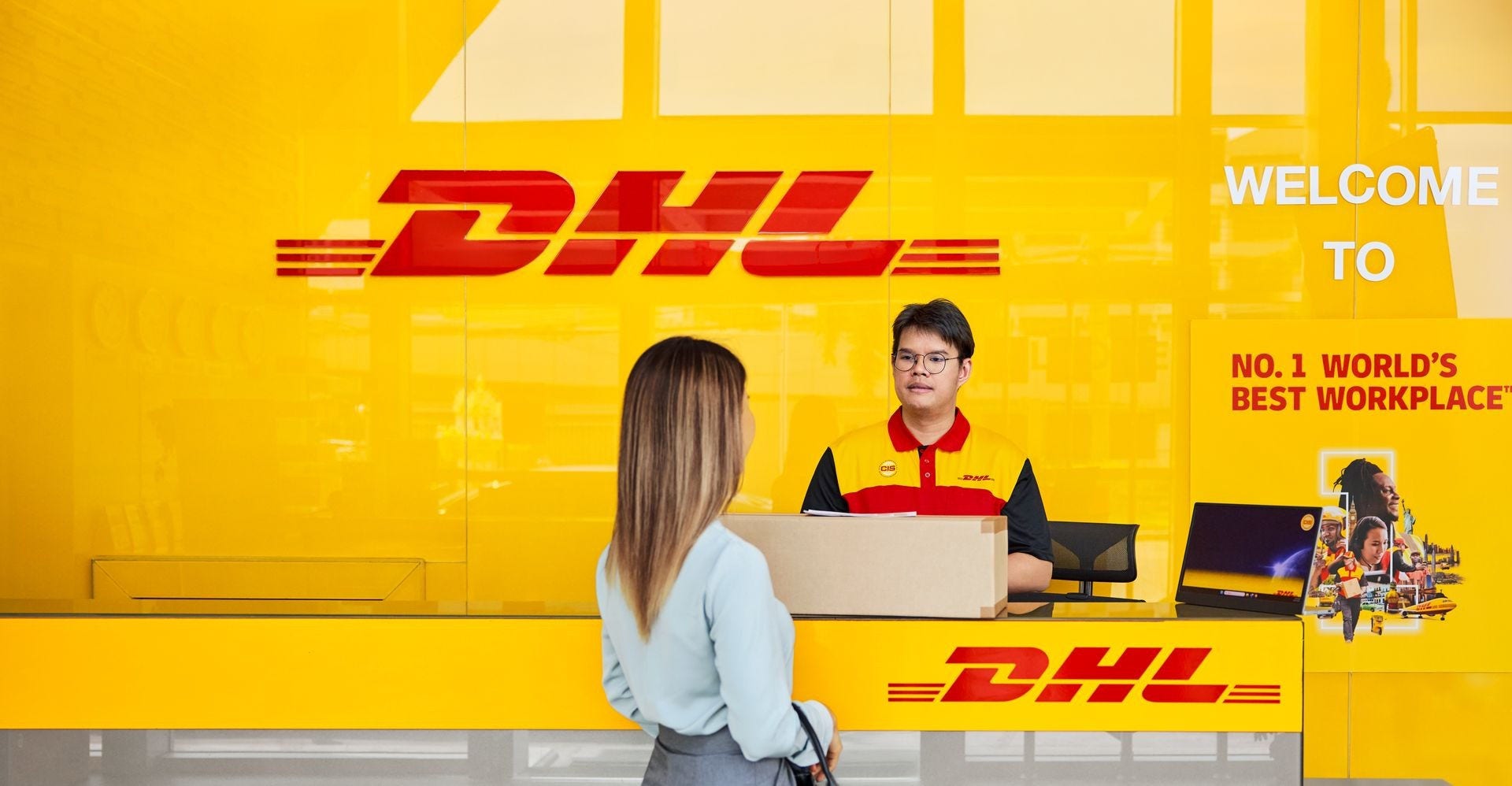
Tracking is the easy part. At a DHL store in Brazil, the team packs, prepares the paperwork and hands you the receipt with your shipment number. From then on, you follow each step on your phone and keep the receiver posted.
Find your nearest DHL store, with the address, opening hours and WhatsApp of each store.
Share