#ShippingWithDhl

International shipping labels from Brazil: what goes on them and where to stick them

Leendert van Delft
Leendert van Delft
Vice-President Global Sales Programs, (Digital) Marketing and Global E-commerce
7 min read
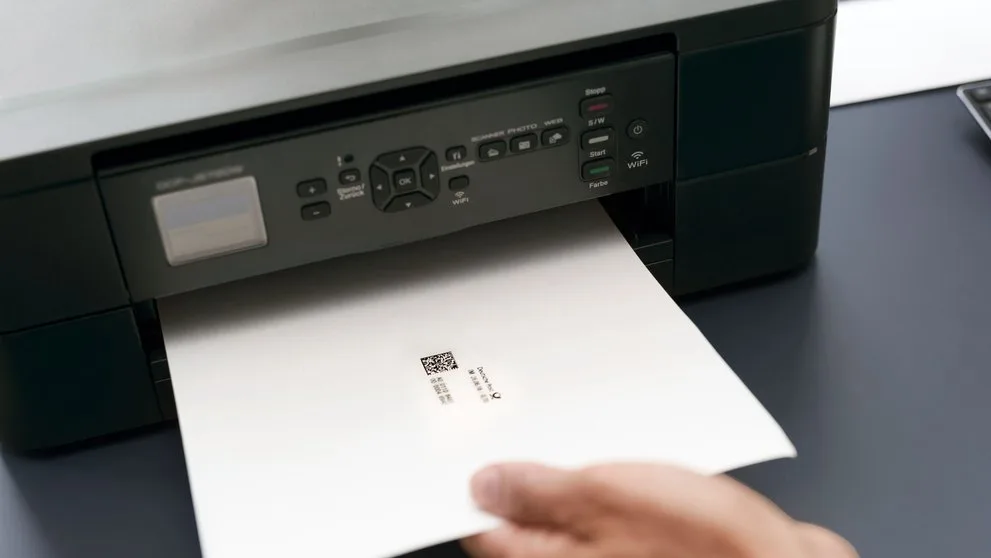
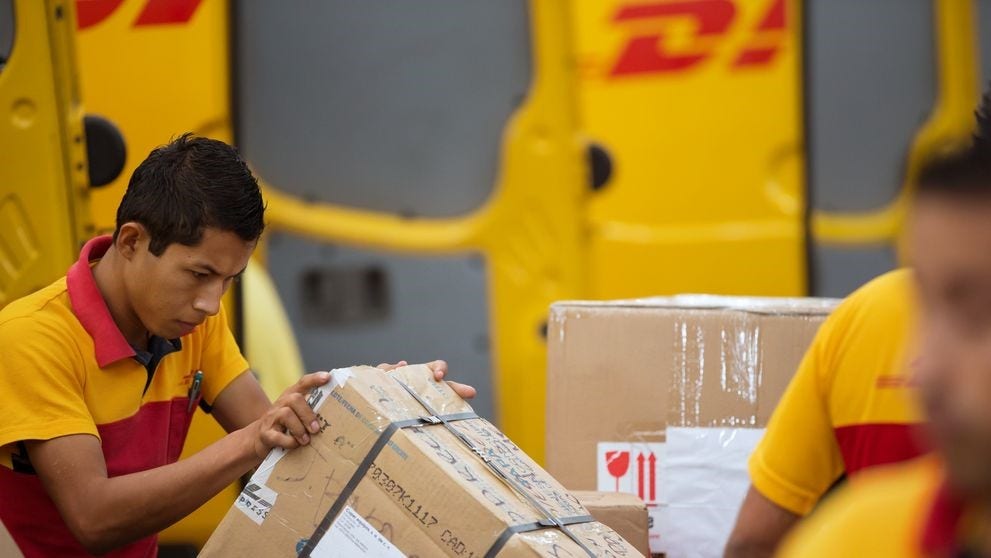
Hands sticking an international shipping label with a barcode on top of a cardboard box shipped from Brazil
In this article
An international shipping label is the waybill
Stick it on the top or side, on a flat face
No tape over the barcode
A brand label does not replace the waybill

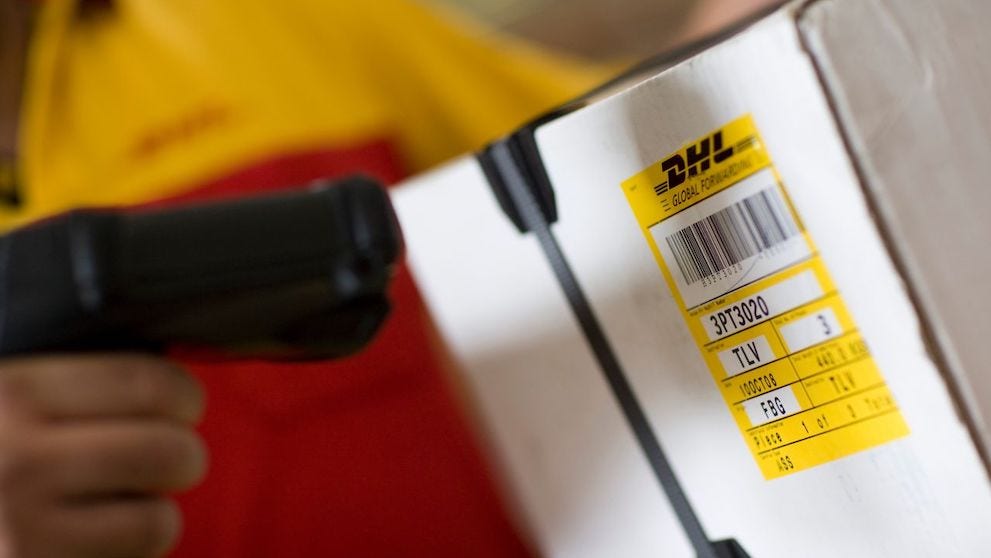
An international shipping label is the waybill: the shipping document with shipper and receiver details, the shipment number and the barcode that is read at every stage of the journey. It is created in the courier's system, printed and stuck to each package, on a flat surface on the top or side, with no tape over the barcode.

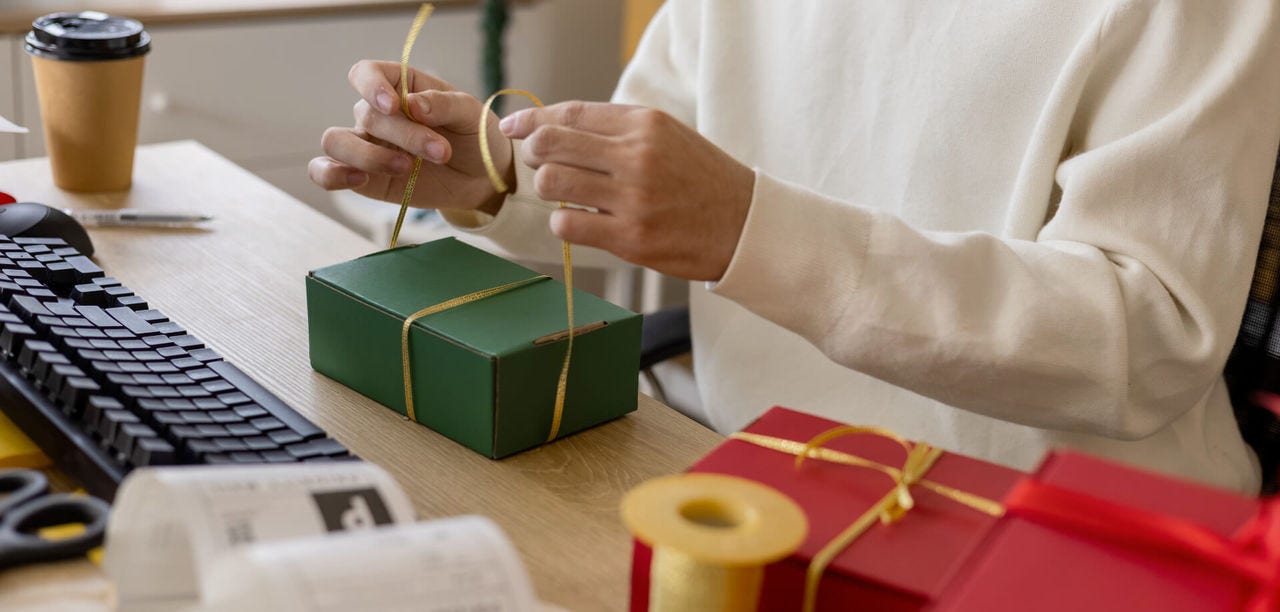
Many people treat the label as the last step, something to sort out once the box is already sealed on the desk. Yet the whole shipment rests on it. A label folded over a corner, covered with shiny tape or missing from one of three boxes can hold the shipment up as early as pickup.

What is a shipping label and why is it called a waybill?

With DHL Express, the shipping label is the waybill itself, the shipping document. Every shipment needs one, and it works as the shipment's "air ticket": if the label comes away from the box, the shipment can be delayed. Source: DHL Express Service and Rate Guide 2026, Brazil.

In Brazil the same piece of paper goes by other names: etiqueta de envio, etiqueta de expedição, etiqueta de endereçamento. The name changes, the job does not. On an international shipment, though, it carries more than the address, because sorting systems in more than one country have to read it.

What must an international shipping label show?

The system builds the label from the data you type when you create the shipment.

Wrong on the form means wrong on the paper. Before printing, review these blocks:

  • Shipper: name, company, full address with postal code and phone number.
  • Receiver: name of the person receiving, company if any, address in the destination country's format, postal code and phone number with country code.
  • Shipment number and barcode, which identify the shipment across the network.
  • Number of packages in the shipment and declared weight.
  • Shipment reference, such as your order number, when you want to find it later in your own records.

The phone number deserves a second look, because without the country code it is useless. The guide to international phone number format shows the right format for each destination.

Does a custom branded label replace the courier's label?

No. A custom label with your logo and colours can go on the box as part of how the product is presented, but it does not replace the waybill. The barcode the network scans is the one on the label the courier's system generates.

Want both? Keep the jobs apart. The brand sticker goes on a different face from the waybill, away from the barcode, or becomes a seal on the inner packaging. And the order number goes in the shipment reference field, not handwritten next to the label.

The table sums up what each label and document does on the box:

Item

What it is for

Where it goes

Waybill (shipping label)

Identifies and tracks the shipment across the network

Top or side of each package, on a flat face

Commercial invoice

Declares contents and value to customs

With the shipment, as instructed for that shipment

Handling label

Flags special care, such as fragile or this way up

Side faces, without covering the waybill

Your brand label

Presents the product to the customer

A free face or the inner seal

Every international shipment of goods, meaning anything that is not a document, needs a commercial invoice (DHL Express Service and Rate Guide 2026, Brazil). Whether it goes inside or outside the box is covered in the guide on where to put shipping documents.

Where do you stick the shipping label on the box?

On the top or side of each package, on a flat face, never across corners or edges. The barcode is scanned repeatedly, from pickup to delivery, and must stay flat, with no tape, plastic film or straps over it. Source: DHL Express Service and Rate Guide 2026, Brazil.

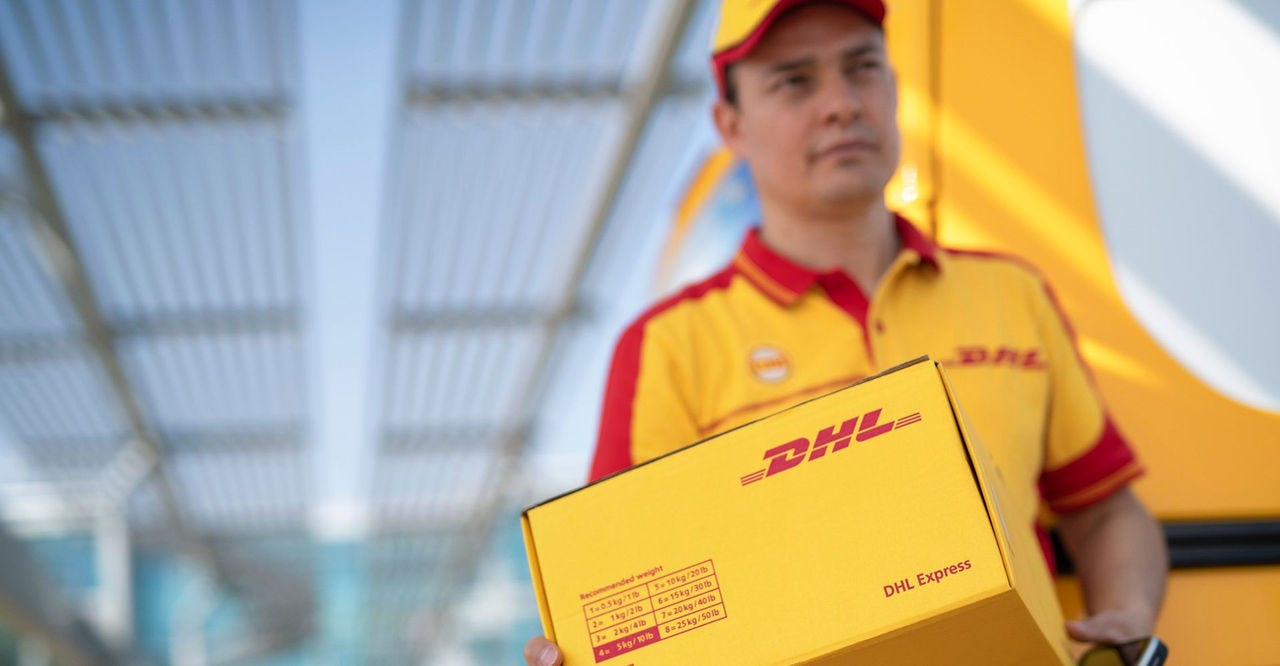
Follow this order when you label:

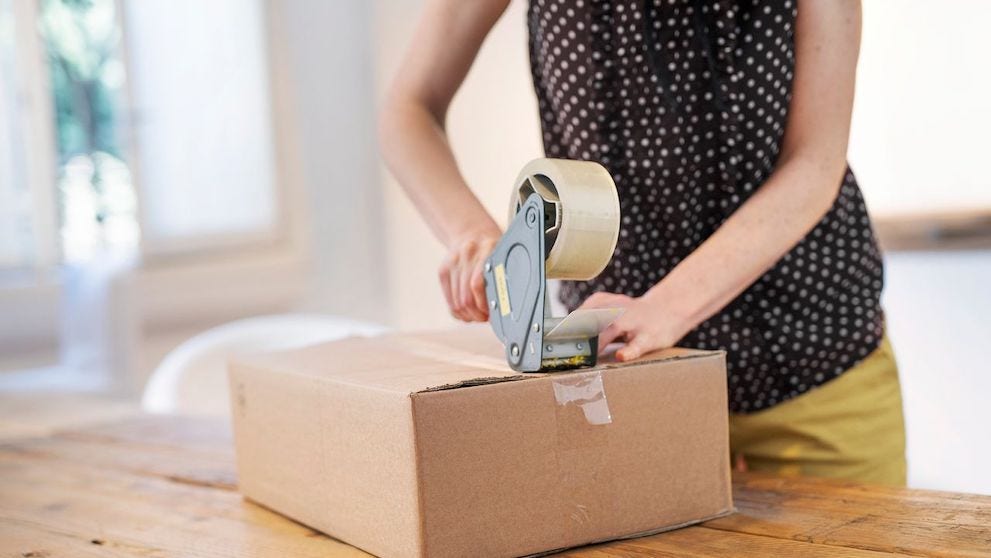
  1. Close and seal the box before sticking on the label, so the tape does not run over it.
  2. Remove or fully cover any old labels and codes if you are reusing the box.
  3. Choose the largest flat face on the top or side, away from seams.
  4. Stick the whole label down with no folds, pressing the edges.

A reused box needs twice the attention. An old barcode left visible can be read instead of the new one. Choosing the box, filling the gaps and sealing with an H-tape pattern are covered in the guide on how to pack a parcel.

Which label errors delay pickup and delivery?

These errors hold up an international shipment before the box even leaves your premises:

  • Faint or smudged printing that the scanner cannot read.
  • A label stuck down only at the corners, which peels off in handling.
  • An incomplete receiver address that needs fixing later. When the address prevents delivery, DHL searches for the correct one and charges an address correction surcharge per shipment, on top of the freight (DHL Express Service and Rate Guide 2026, Brazil).
  • A box with no label when the courier arrives for pickup.

Pickup follows the same logic: the parcel must be sealed and labelled when the courier arrives. The guide to courier pickup explains how to book one and what to have ready. If you already sell abroad regularly, the guide to exporting with DHL maps the full process.

Frequently asked questions about shipping labels from Brazil

No. For tax reasons, using MyDHL+ is mandatory for all shipments from Brazil, and the waybill comes out of the system with its barcode. The data entry surcharge for paper waybills applies only to shippers abroad who still use the manual form (DHL Express Service and Rate Guide 2026, Brazil).

Yes. Each waybill has a unique number that lets you follow the shipment from pickup to delivery. Keep that number and pass it to the receiver as soon as the shipment is created.

Yes. The waybill must be attached to each package in the shipment, even when three or four boxes travel together under the same shipment. A box without a label cannot be linked to the rest of the shipment at sorting.

In everyday use, yes: both terms describe the label on the box with the destination details. On an international shipment that label is the waybill, which carries the shipment number and barcode as well as the address.

Get the label ready before the box is sealed

A well generated, well placed label is what lets the box pass every scan on the route without stopping. The rest of the work starts the moment you create the shipment with the right details.

With a business account you can generate the waybill and export documents in one place, book pickups and track every shipment to delivery. Open a DHL Express business account and print your next shipping label from Brazil without rework.